Blog for the final project in VSFX728. I will be working on learning to make a crowd scene.
The idea behind this project is to learn as much as I can within the time frame and create a similar scene.
___________________________________________________________________________________________
CROWD R&D - "Toon-Town" Zombie Chase
TO DO: (listed in priority)
• Fix collision issues from render & motion blur ✔
• Adjust avoidance to stop the crowd reacting earlier (even at all) ✔
• Fix RBD & crowd state/source issues ✔
• Ensure ragdoll trigger is working with the new crowd setup ✔
• Placing additional environment terrain & obstacles (potentially in Blender) ✔
• Finesse crowd paths & terrain projection ✔
• Scale down crowd to test animation & render ✔
__________________________________________________________
RBD collision & avoidance fix: From left to right
Previous testing using a police car to run through the crowd agents and trigger the ragdoll animation clip was having issues when the agents were reacting too early and intersecting into the car.
Avoidance: This was set too high overall, and because I am using "zombies" as my crowds, I just turned this off completely because I didn't want them reacting to my RBD.
Motion Blur: It was simply set too high and this was an easy fix to turn down.
Collision: I couldn't find what was going wrong with this setup, I had followed Mikael's tutorial completely, everything was exactly the same so instead I deleted the setup and did it again. It's exactly the same except I moved the RBD further back as it starting close to the agents meant it was clip for a few frames and then collision would work.
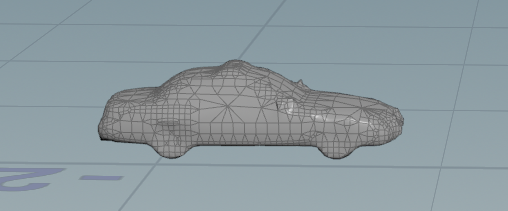
RBD Volume
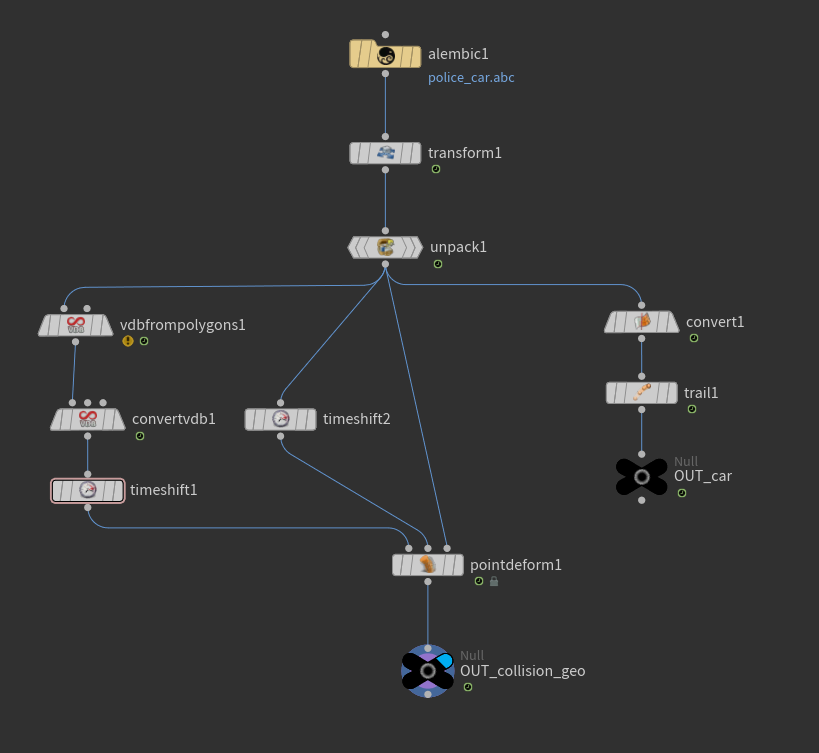
SOP Setup
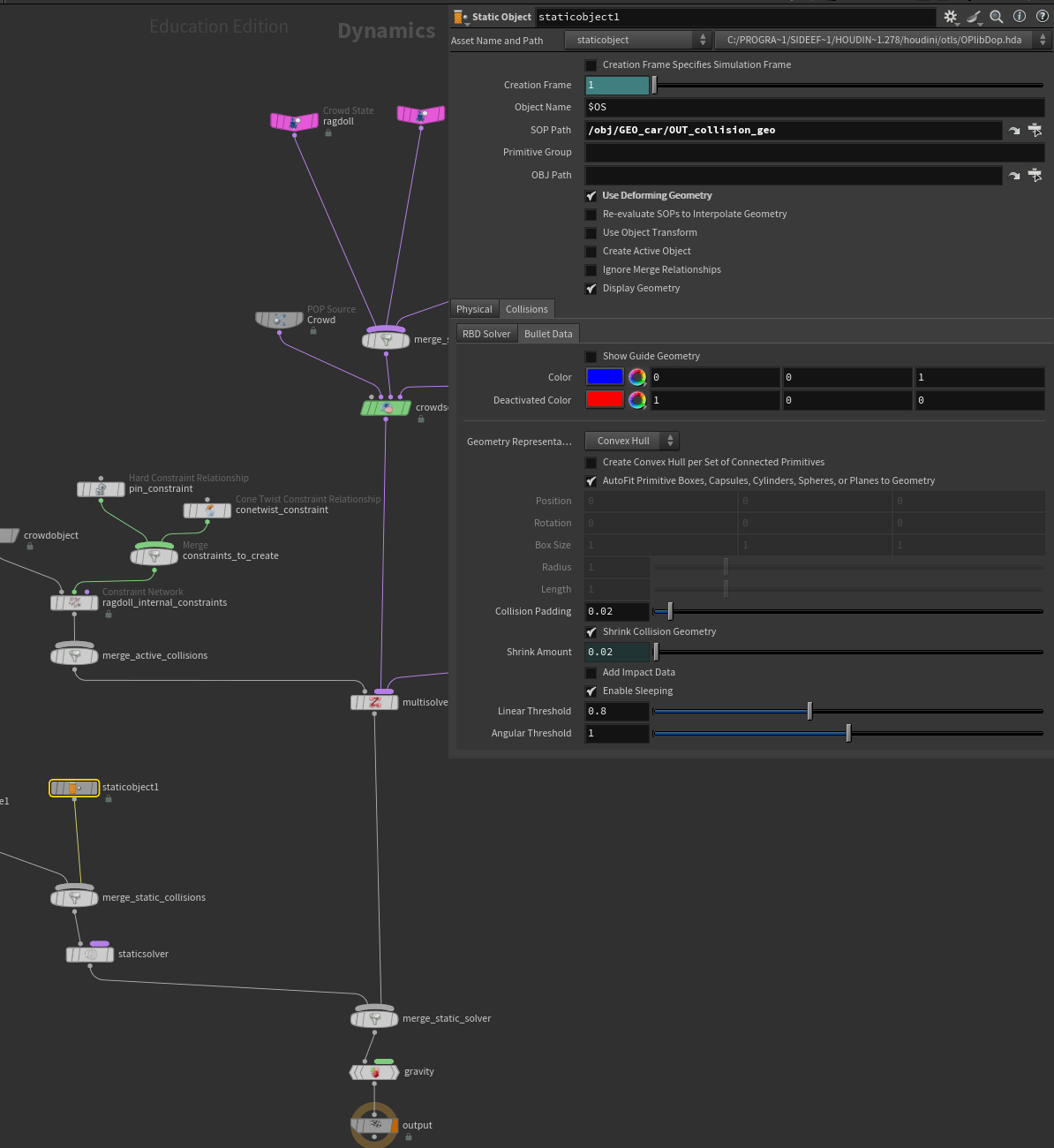
DOP Static
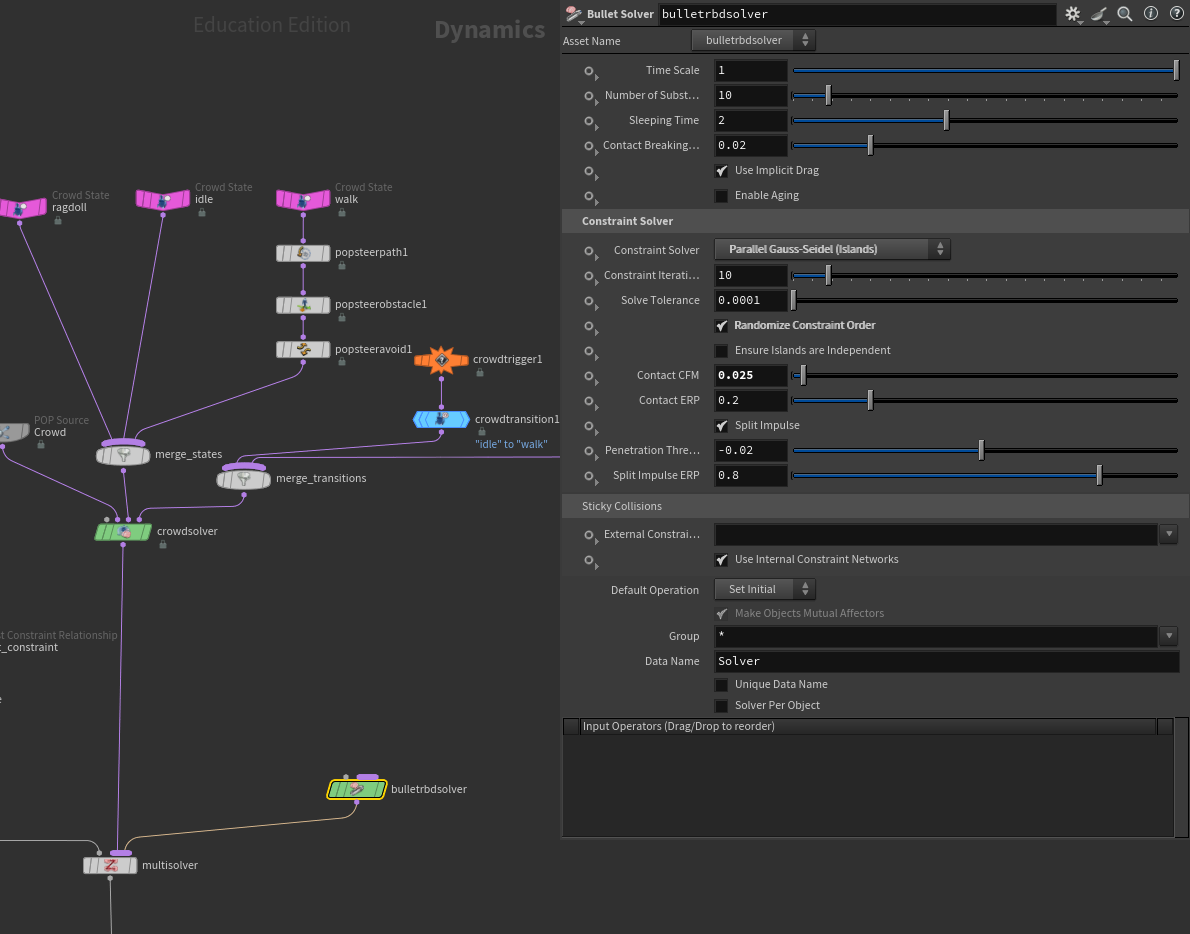
RBD Solver
↑ The exact setup for both (they were identical in setup and parameters) - worked after I deleted the nodes and set it back up ↑
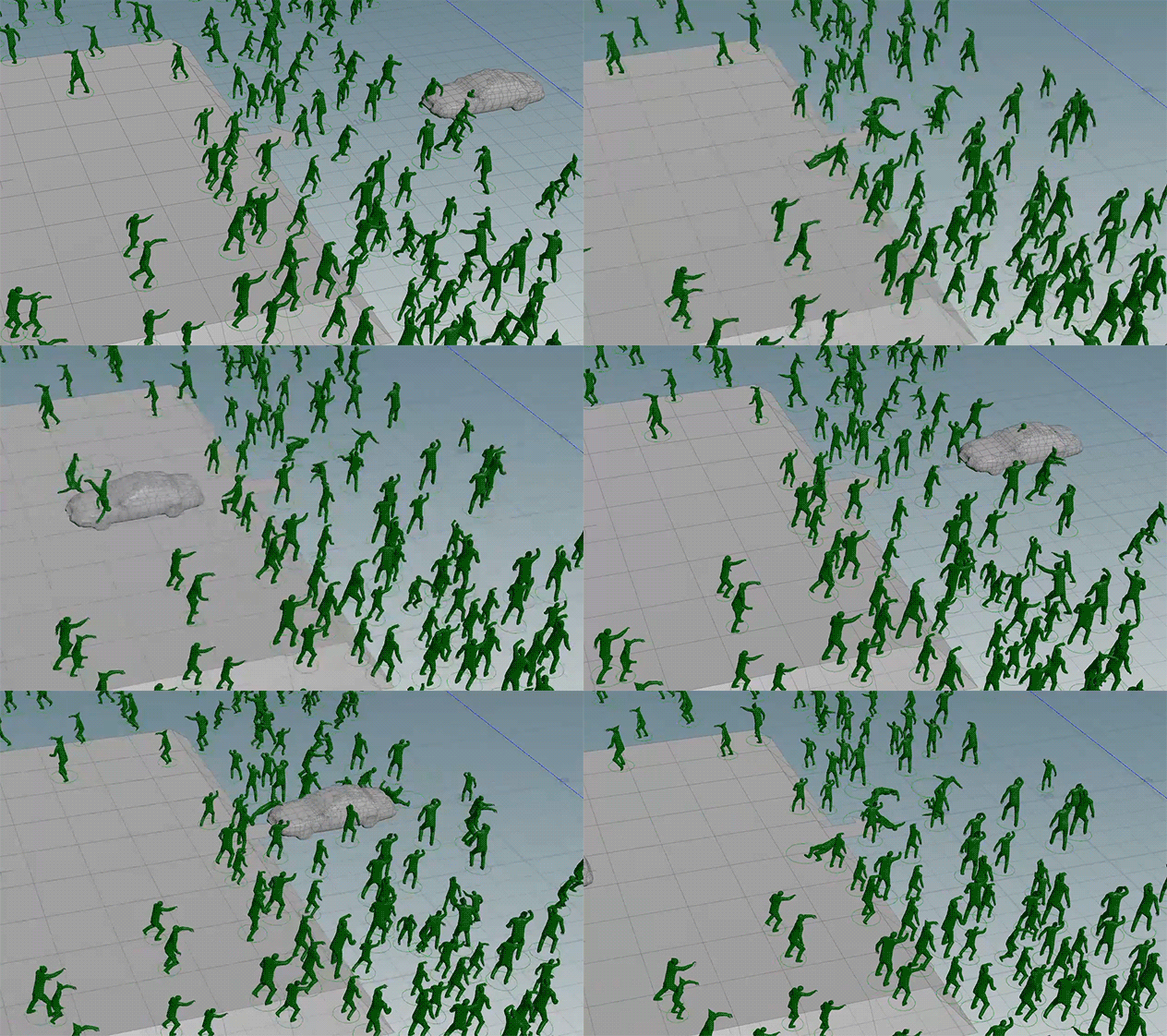
First test after new setup
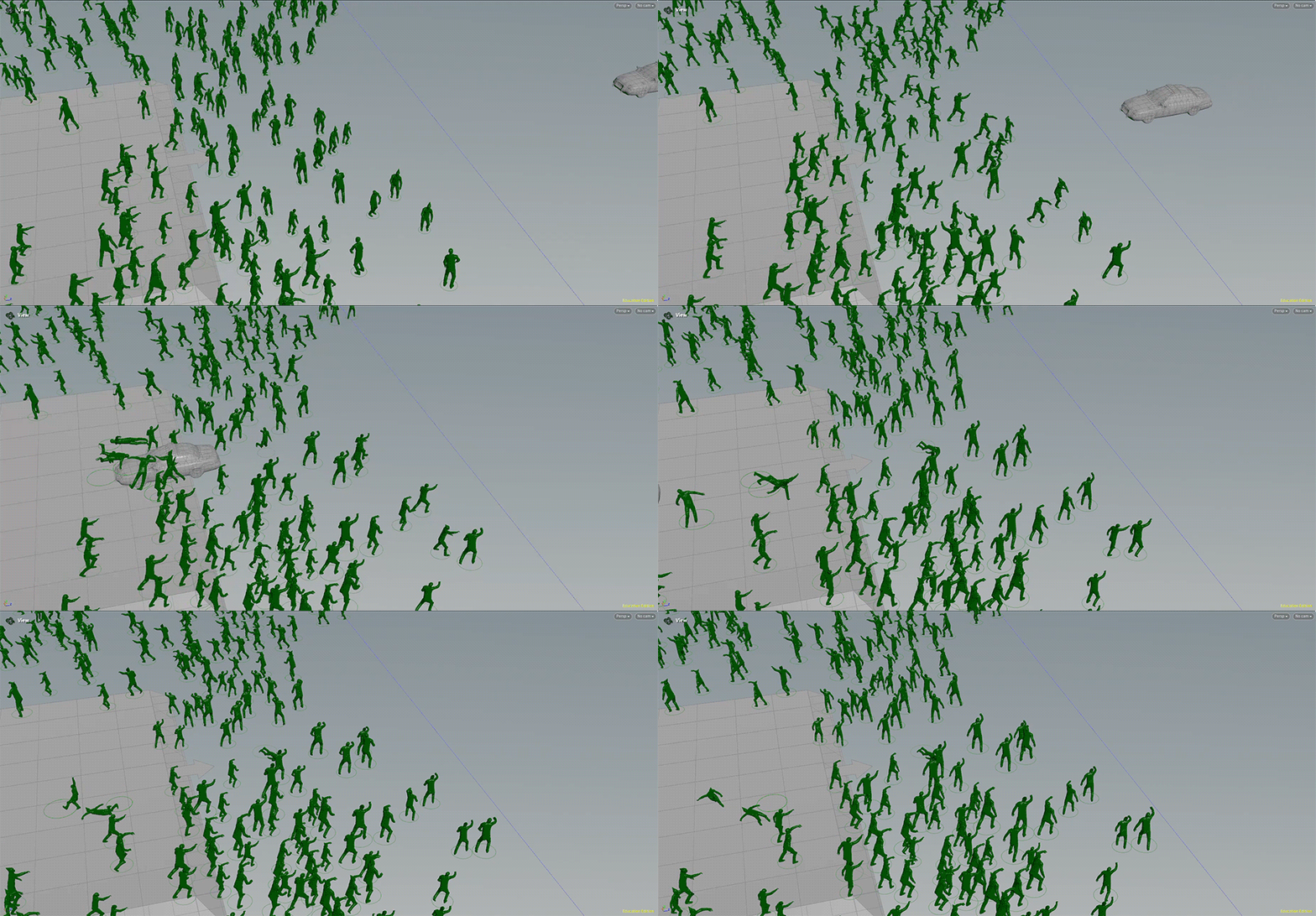
Moving the RBD further back
↑ Identical setup still had some collision errors but moving the car further back allowed my RBD to work correctly ↑
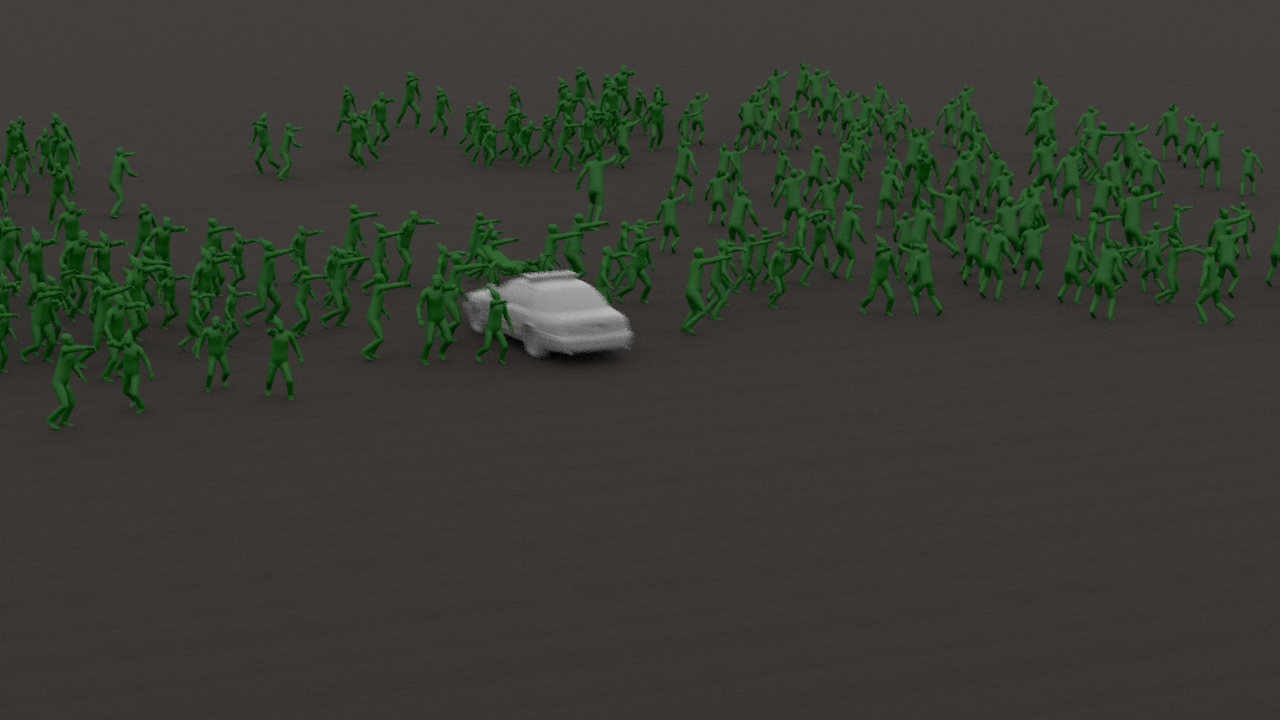
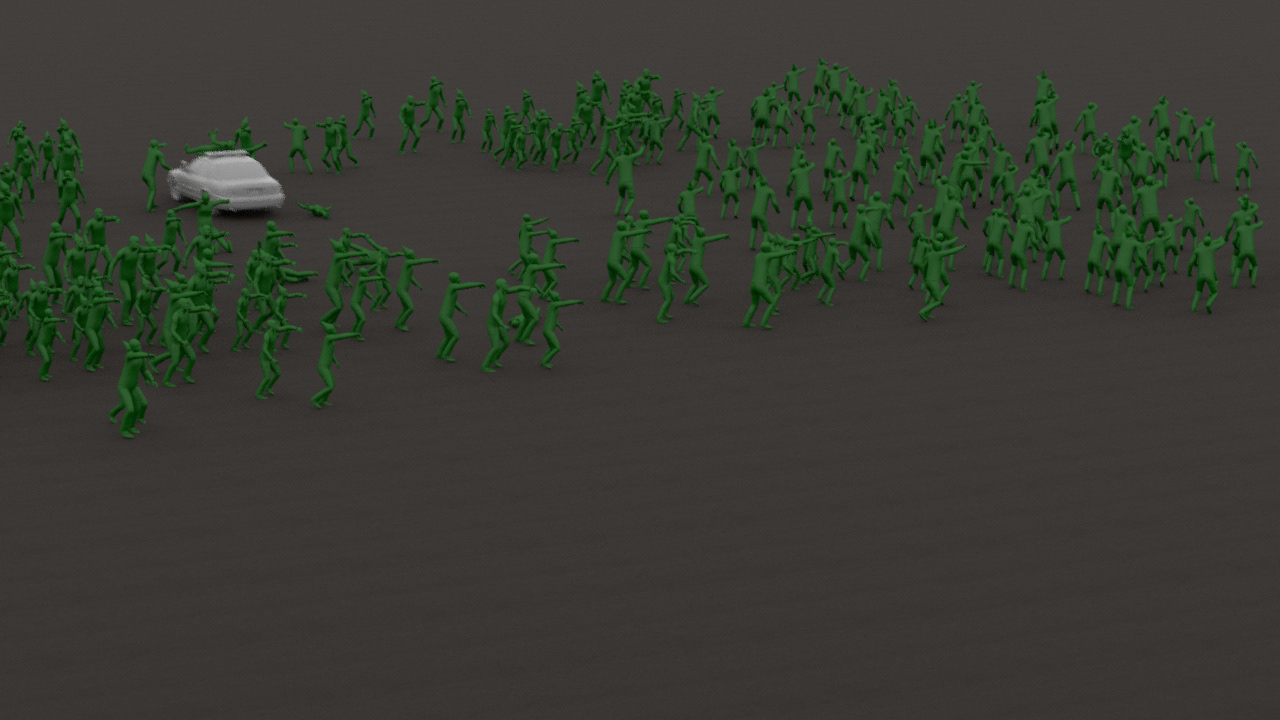
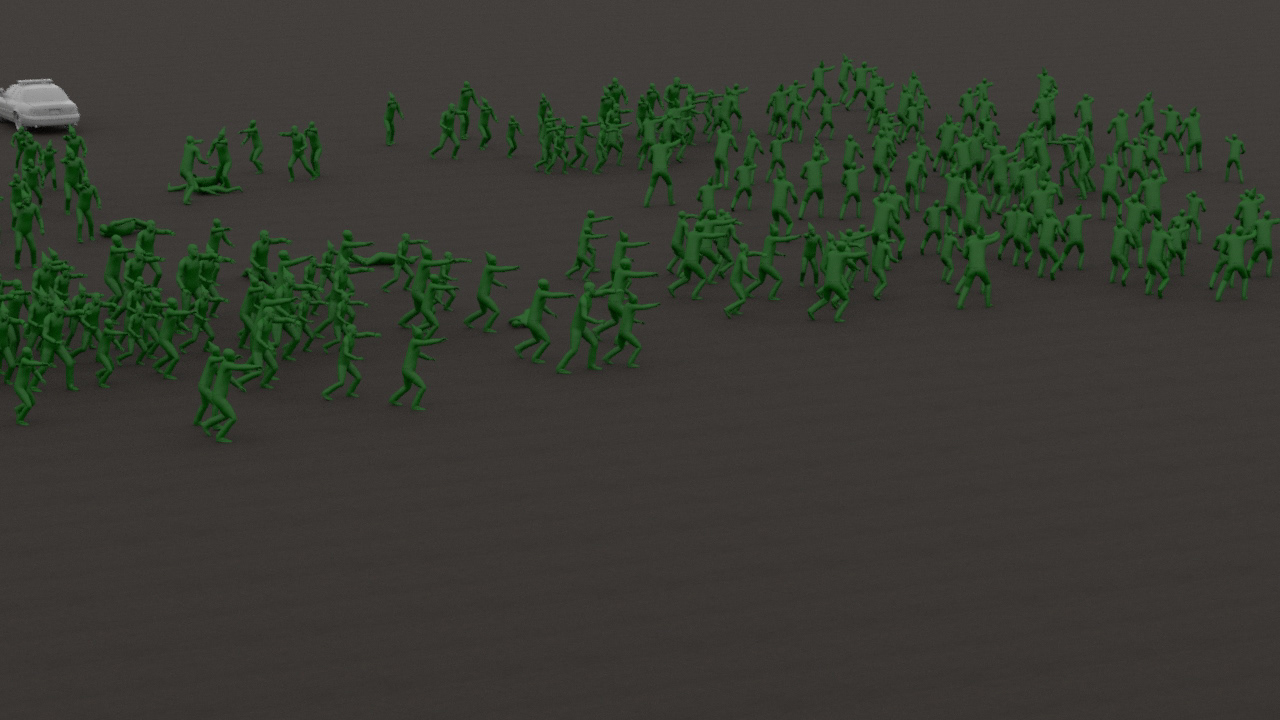
↑ RBD, Ragdoll, & Agents working as intended ↑
↓ Test render ↓
__________________________________________________________
Crowd Animation:
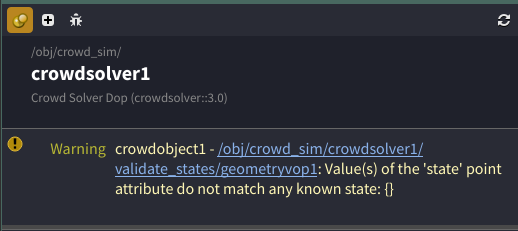
Currently I am running into an issue with my crowd solver saying that crowd state attributes are not matching when they are. I started a test script with an agent setup to see what happens when I change the crowd names... I run into the same problems. I believe the best solution for this would be to better plan what animation clips I want, how I want them to trigger, and when. For this I am going to setup my agents as intended and not change them/names/animations when setting up my crowd simulation.
I will attach screenshots when setting it all back up outside of my test script. At this time, I can also setup my agents to be scale accurate to my reference/comp video.
I will attach screenshots when setting it all back up outside of my test script. At this time, I can also setup my agents to be scale accurate to my reference/comp video.
Survivor Animations
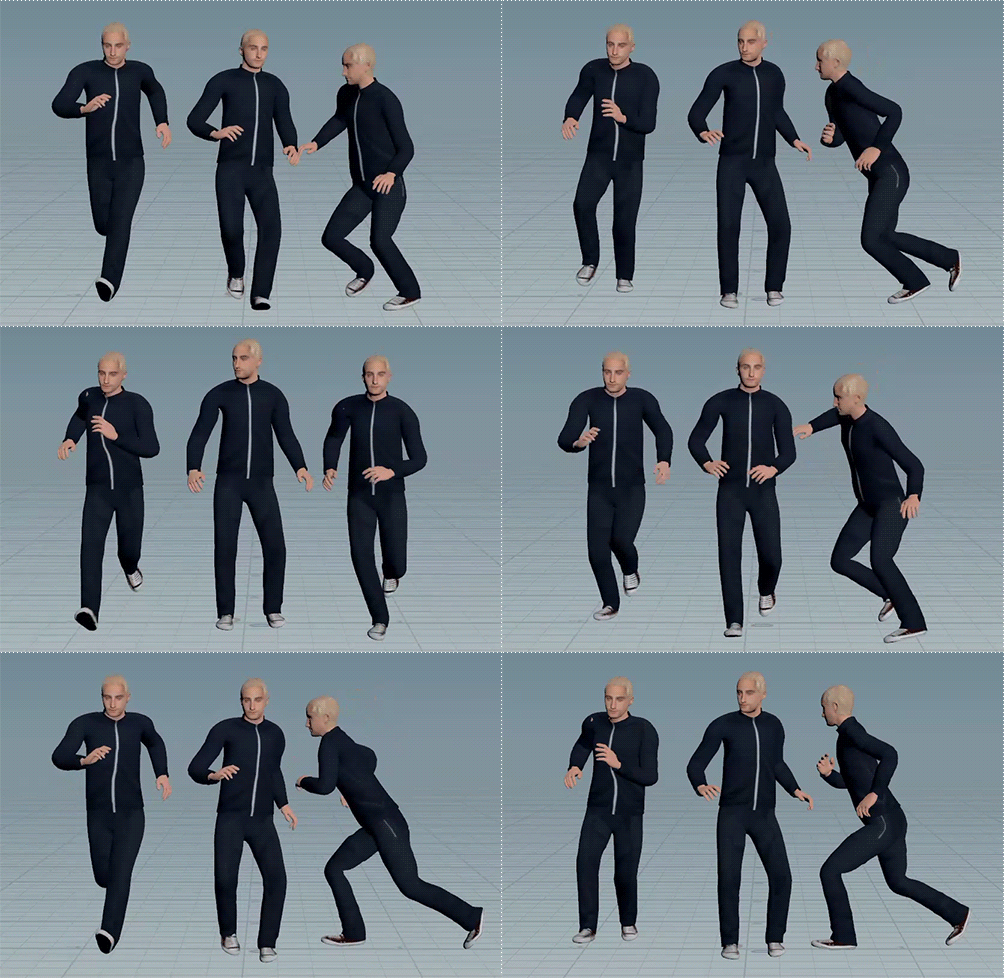
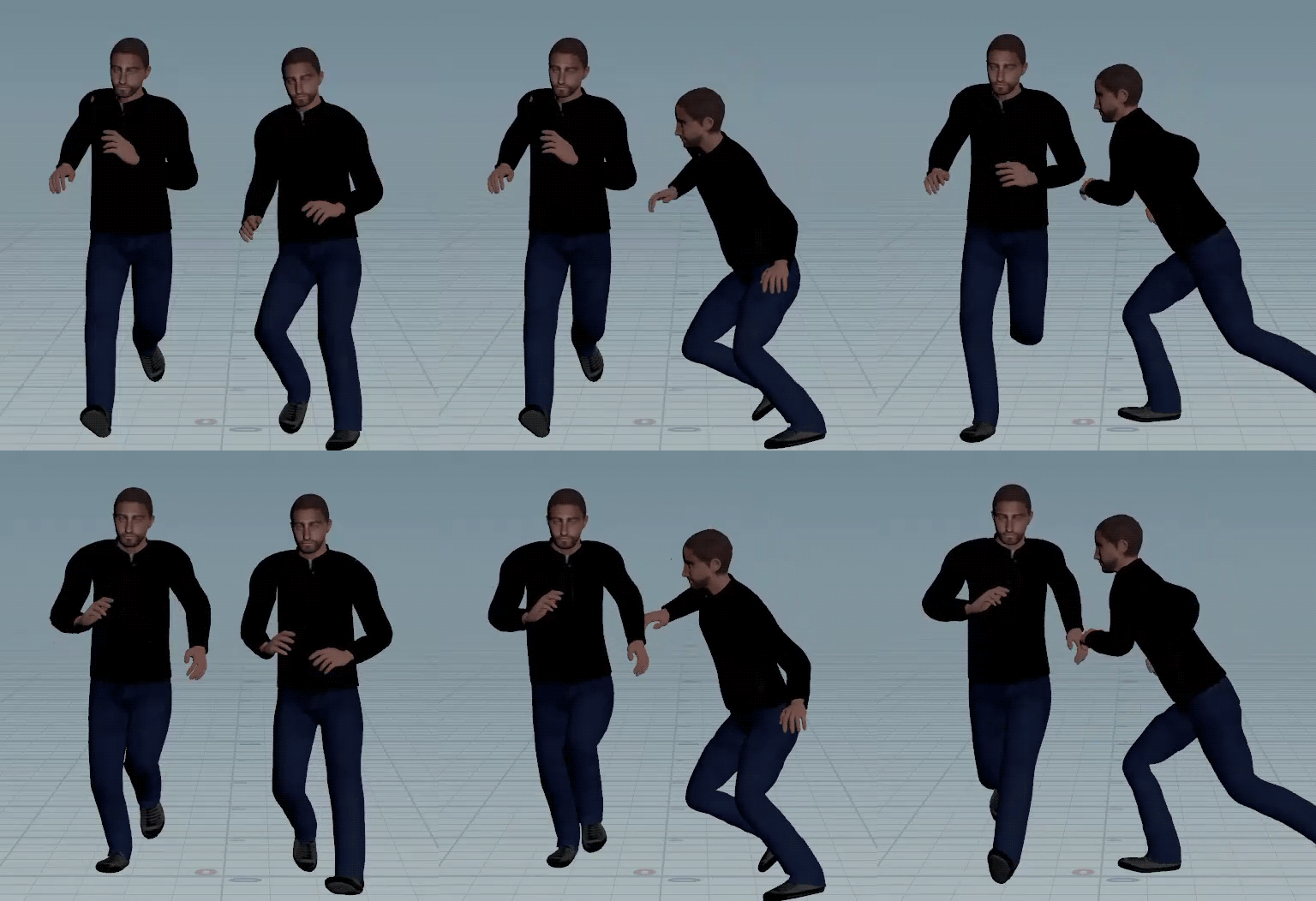
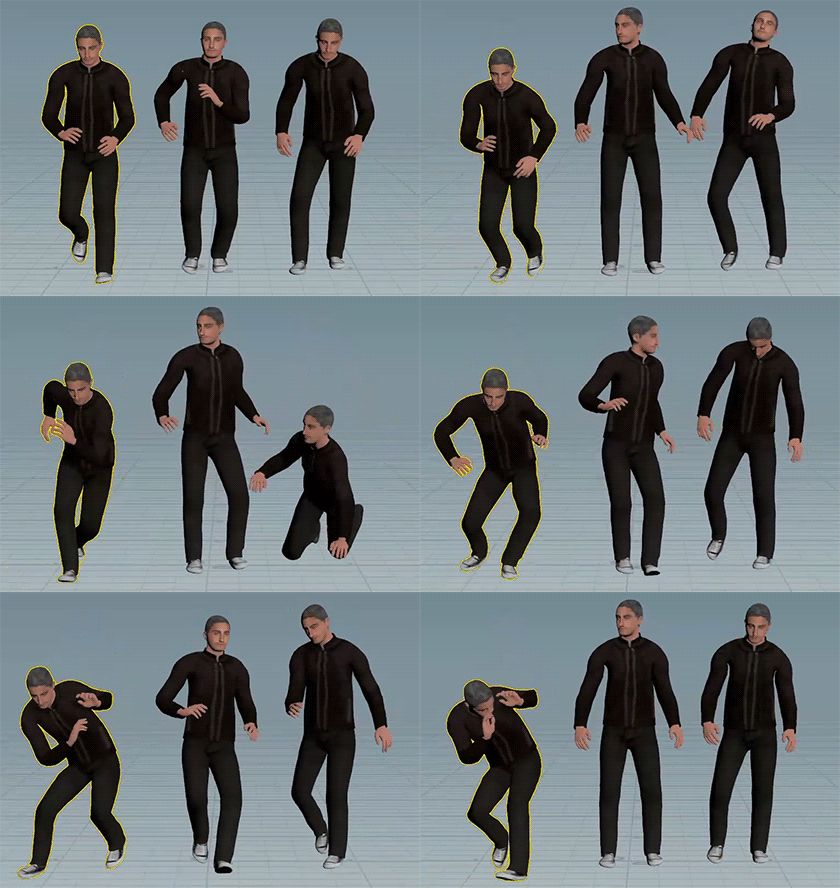
Zombie Animations
___________________________________________________________________________________________
Layout Setup:
Initially setup in Blender but the FBX output was too large and inaccurate when imported into Houdini so I used SynthEyes to get the layout accurate (at least close enough) and imported the layout FBX into Houdini.
Getting the tracking and layout as close as possible is good enough for me when comping. Ideally I would have done a lidar scan of the location and learn more specifics of Match Move but that can always be for a later time.
Getting the tracking and layout as close as possible is good enough for me when comping. Ideally I would have done a lidar scan of the location and learn more specifics of Match Move but that can always be for a later time.
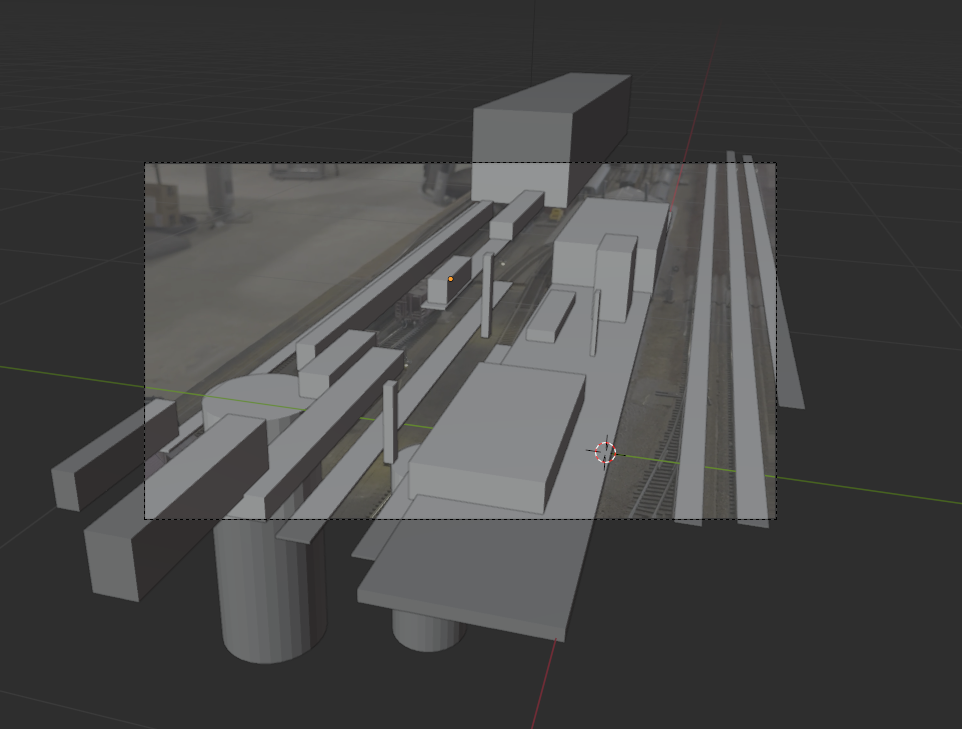
LookDev/Layout in Blender - not as accurate as I would be prefer
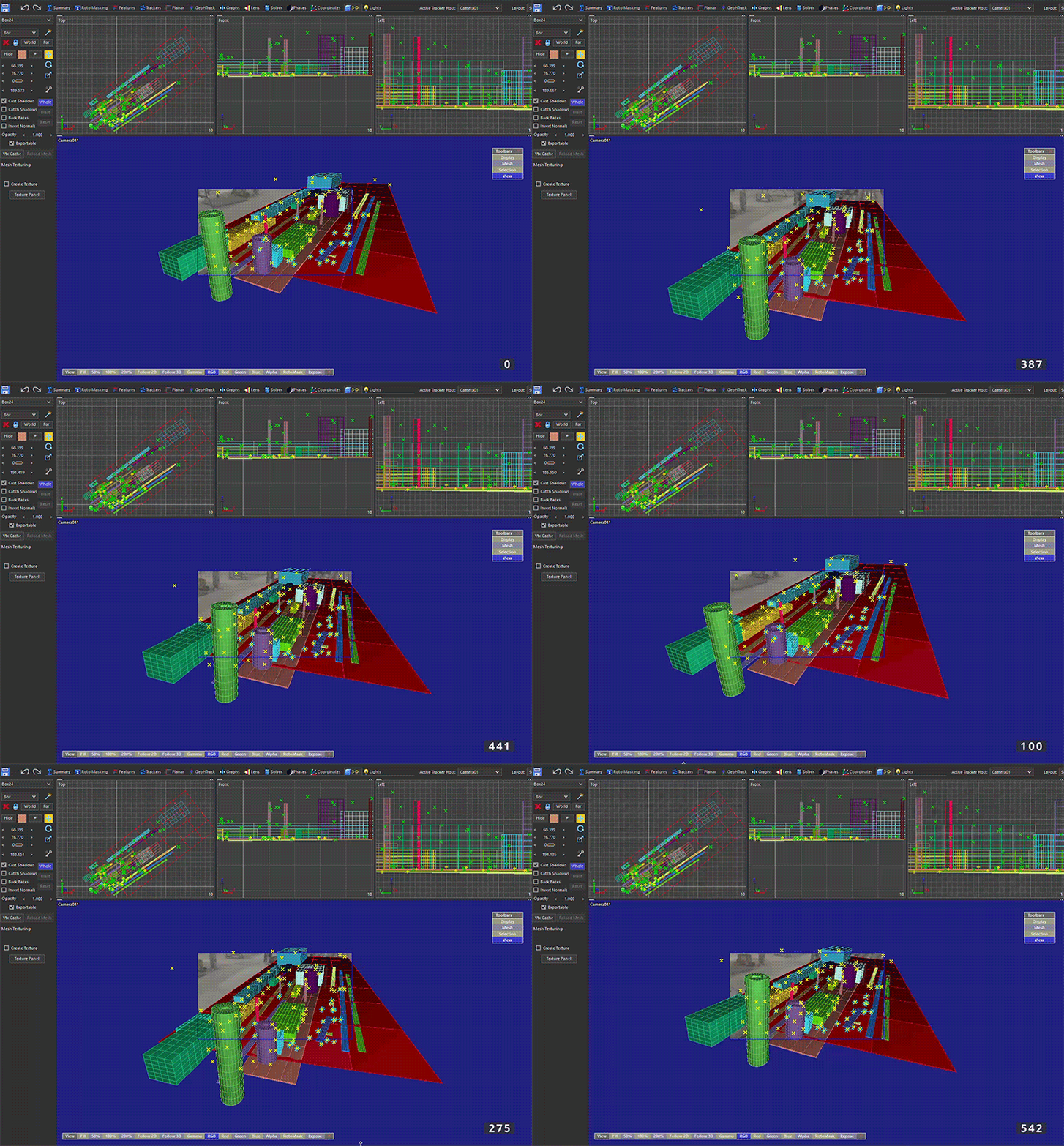
LookDev/Layout in SynthEyes - Better than blender for tracking & accurate layout
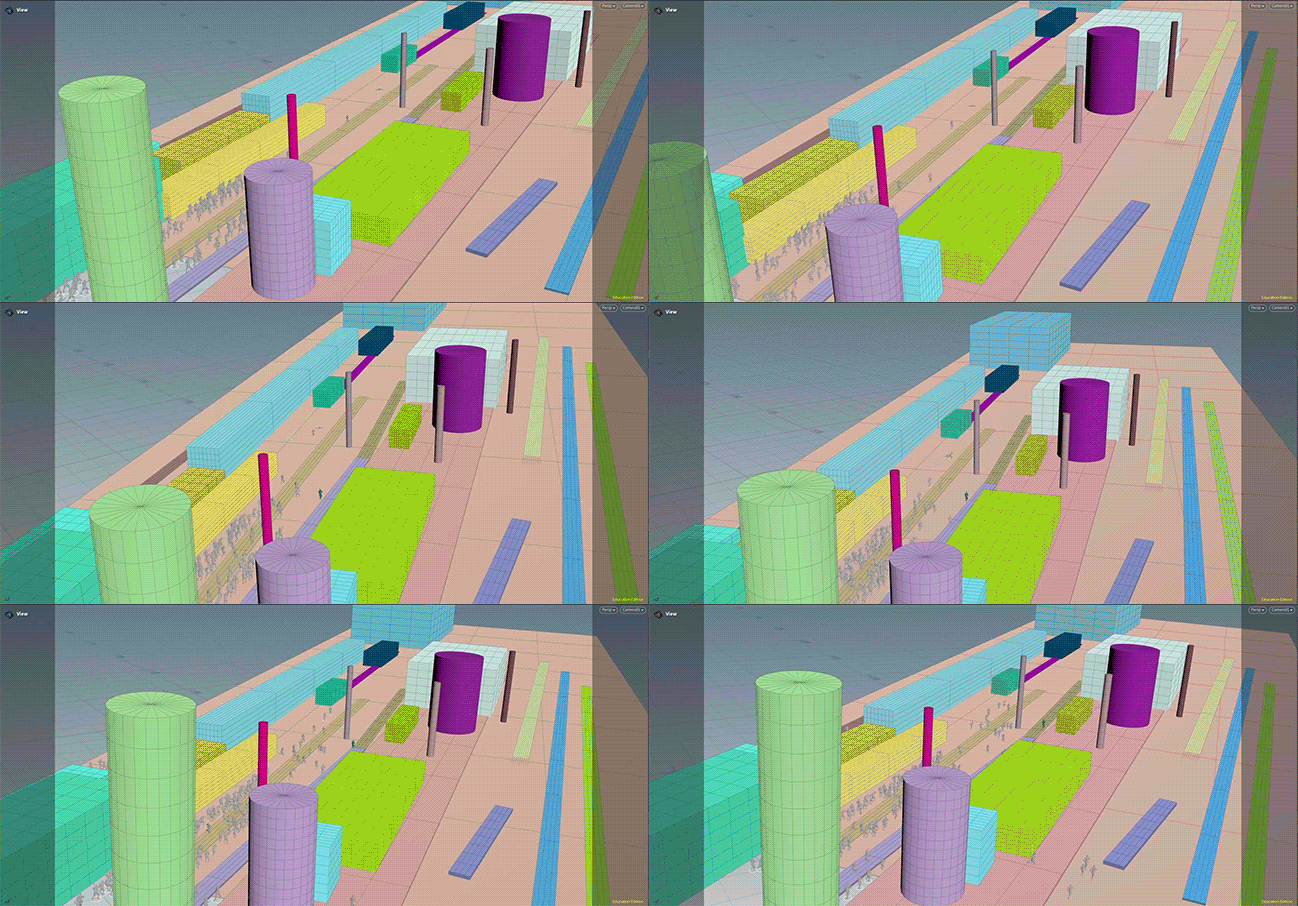
FBX imported into Houdini with crowd sim
Tissues for my issues:
When using the animations clips, crowd states, and transitions, it can cause some funky issues so I turned on the names in the attribute information so I could see which ones were the issues. This helped to know exactly which one was the issue - typically it would be caused my name inconsistencies and/or animation clip nodes needing to be updated or reloaded.
Issues with RBDs a lot of time came down to weird bugs and nothing specific. If you run into this, I would suggest just going back to the top node in SOPs and work down until you find the issue - then cache!!!
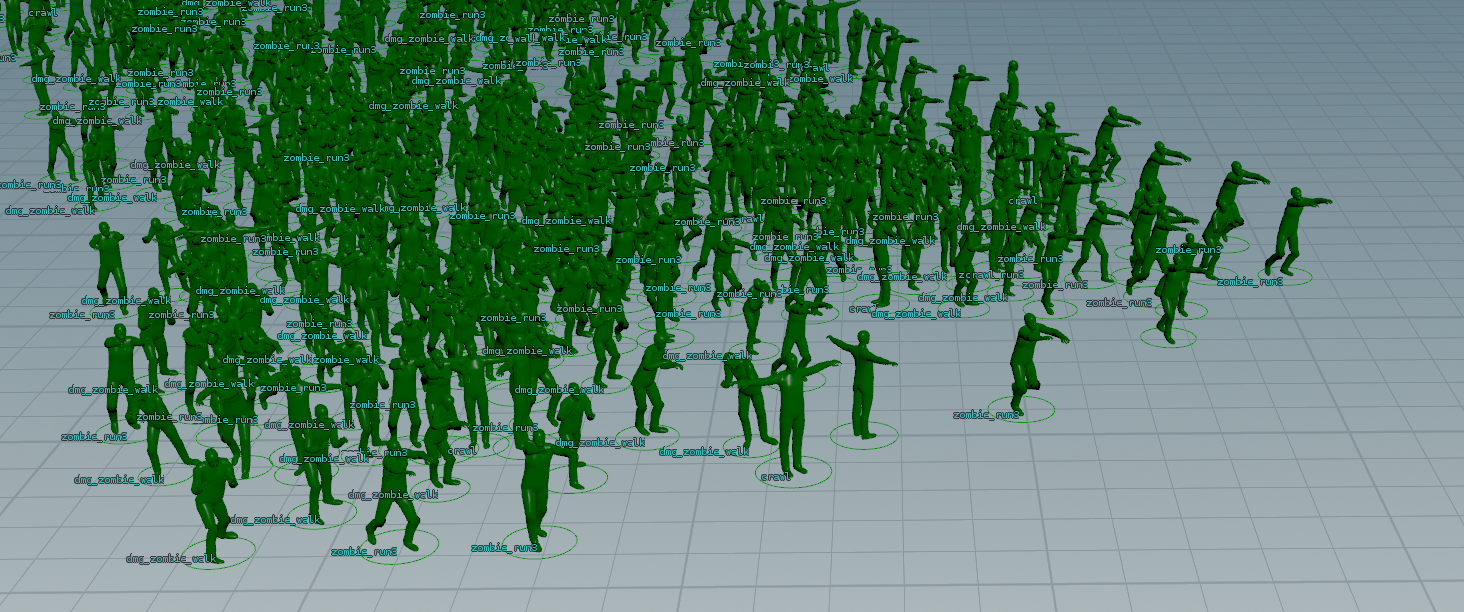
Issues with crowd states not matching in SOPs & DOPS
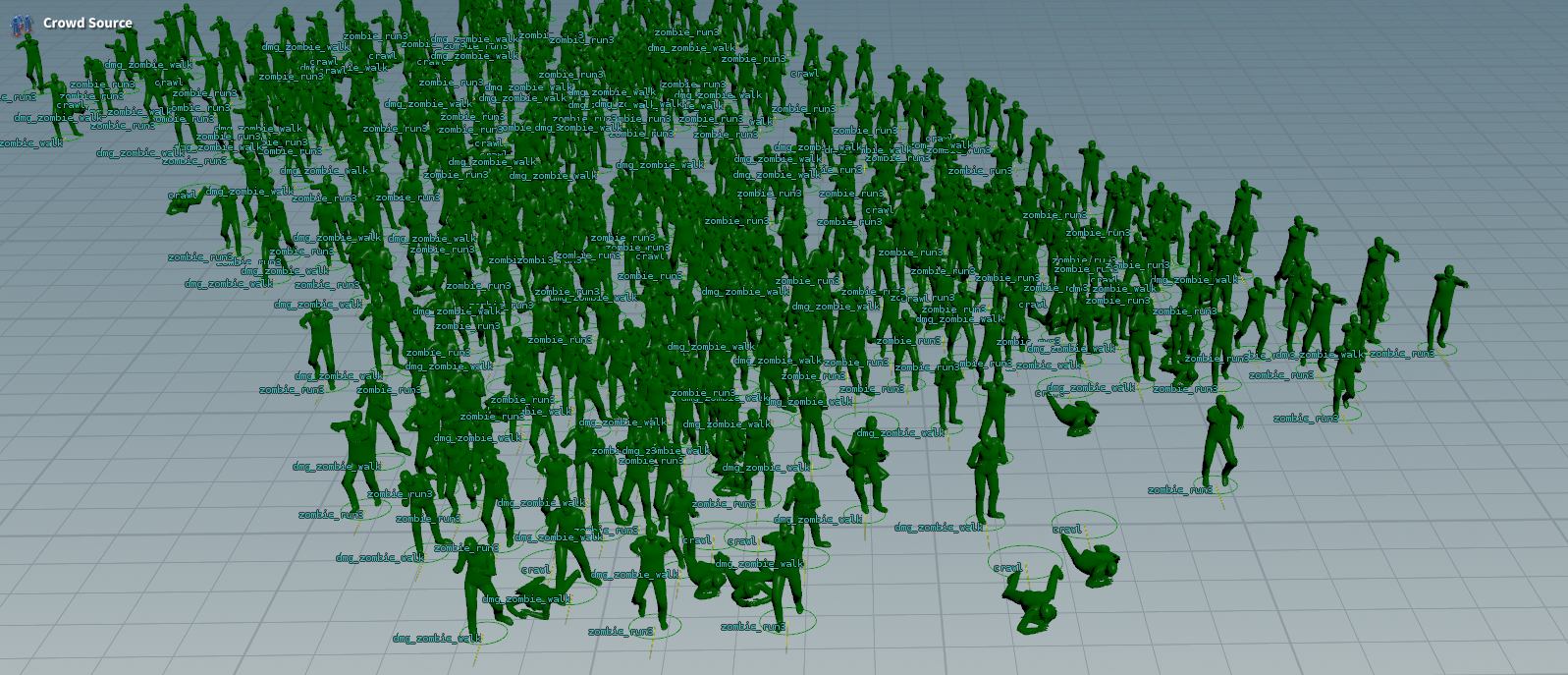
Turning on the names helped me to see which states were setup incorrectly
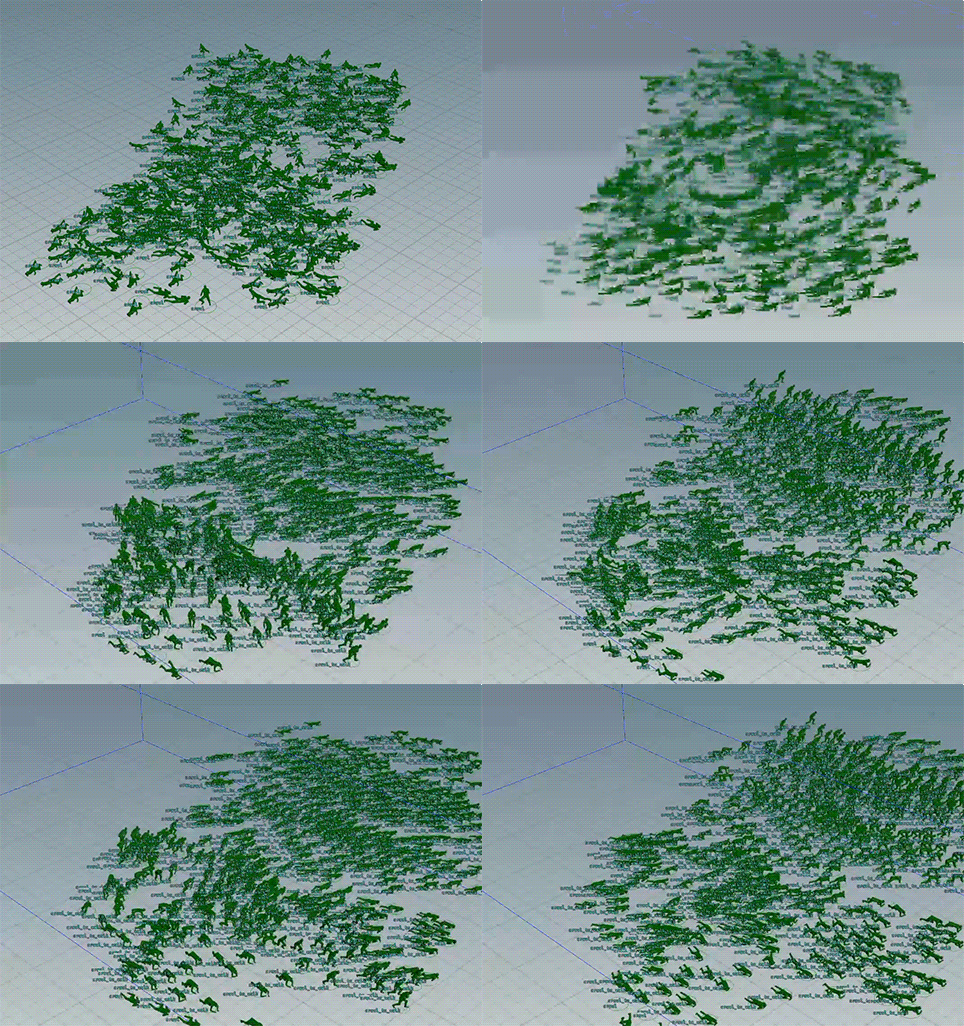
Transition issues
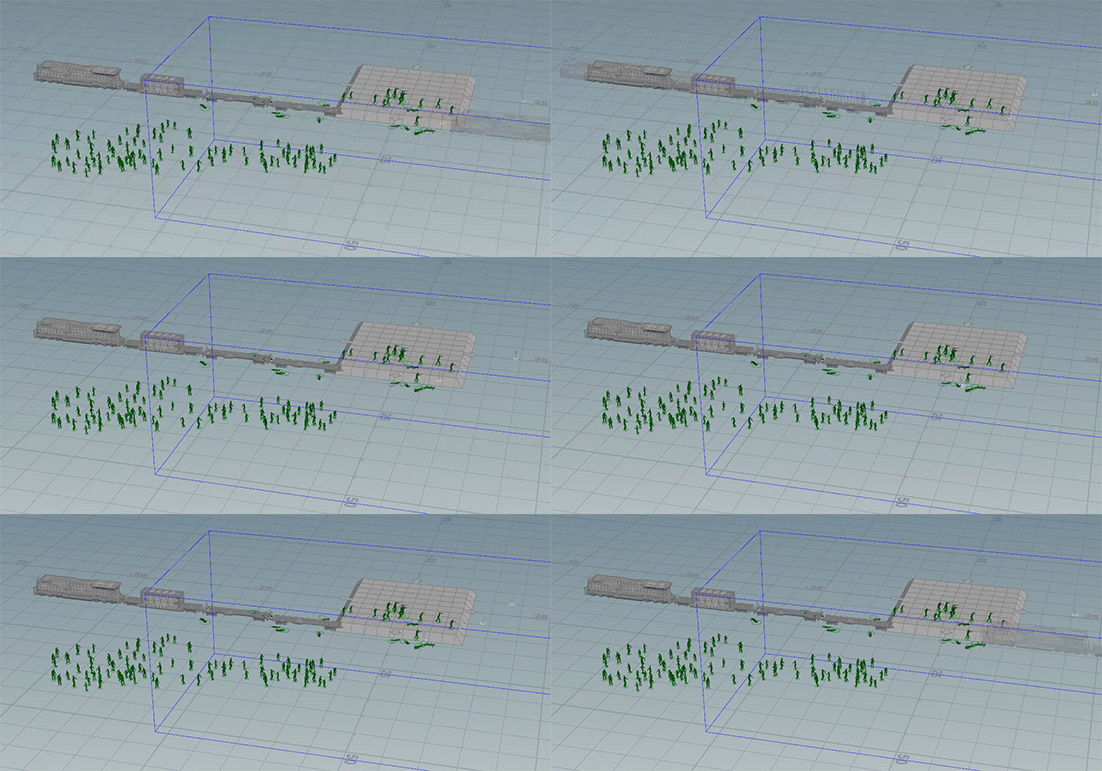
RBD "frozen" for some reason
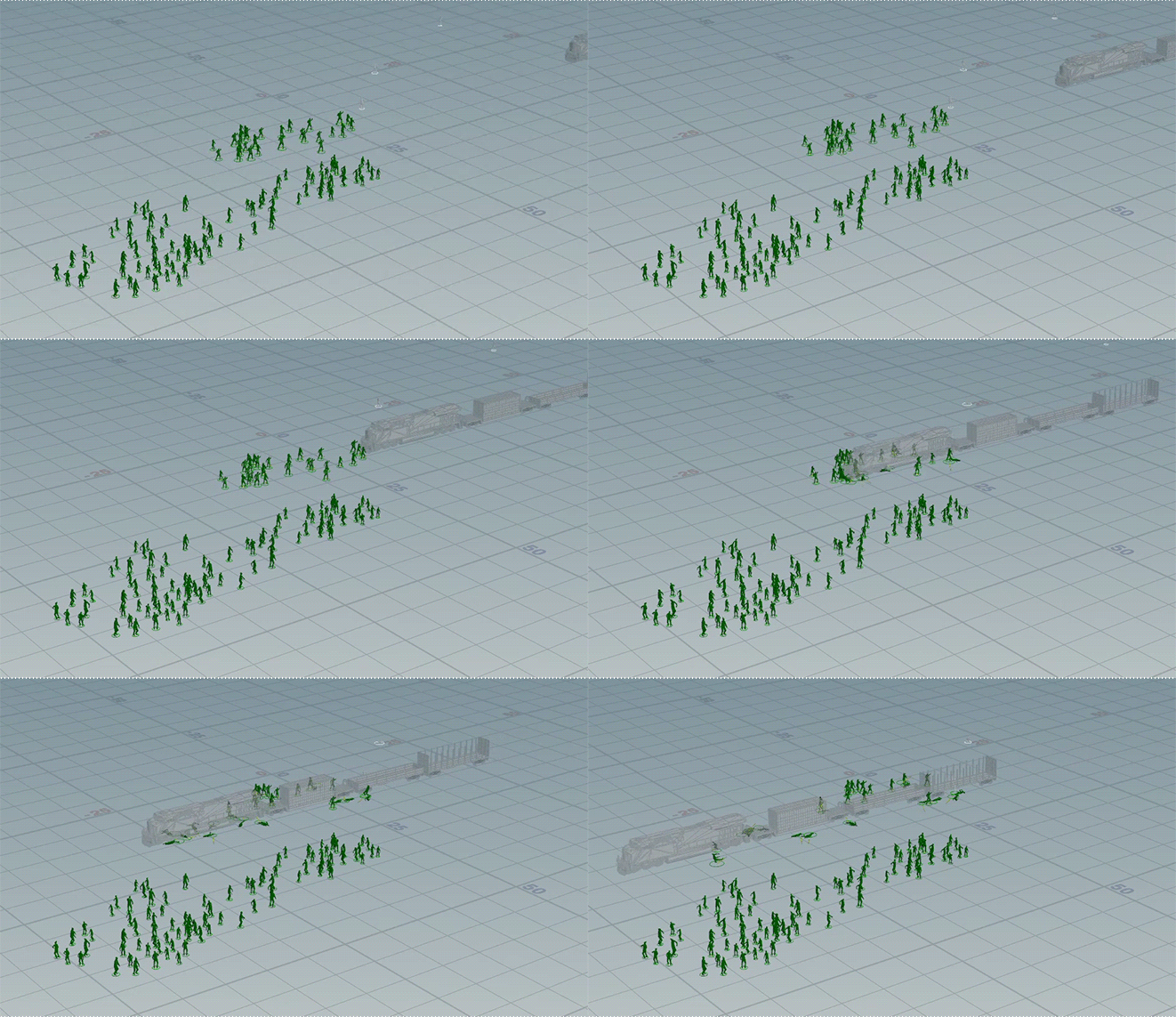
But works when importing the DOPS
General setups & properties:
Some of the biggest issues I ran into was the clips frame ranges, make sure names match from setup in SOPs & imported to DOPs, reload agent clip nodes if anything is being funky, do as much as you can in SOPs Crowd Motion as it gives a lot more control for paths, avoidance, and triggers/transitions.
Lastly, if you want to use an RBD you will need to setup you avoidance, terrain projection, paths, & triggers/transitions in the DOPs solver because it can cause issues. It is fine to do in SOPs with DOPs at the bottom for an RBD but it can be funky so be careful & don't get frustrated.
**make sure to use Agent Definition Caches once you have your animations set**
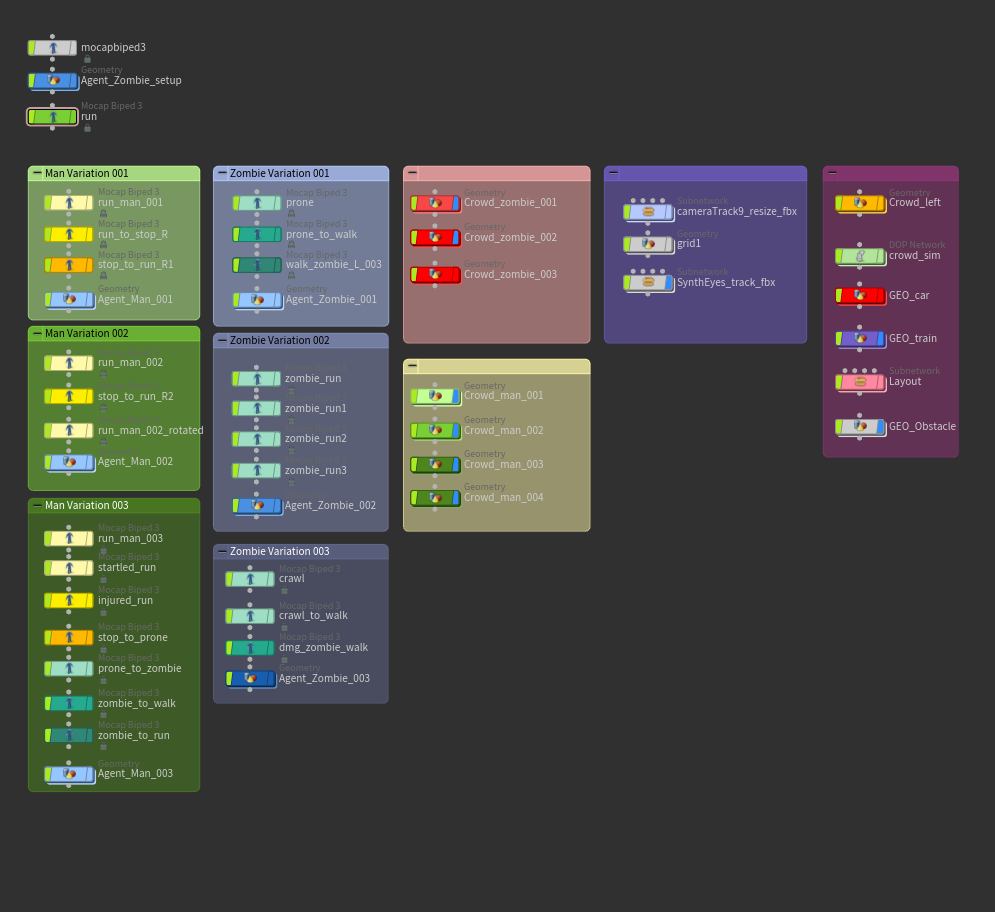
Labelled & boxed setups
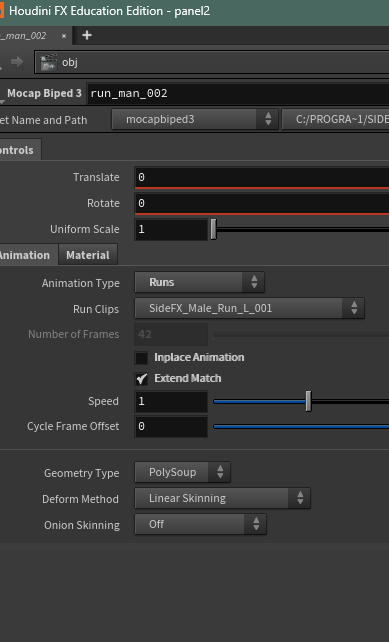
Mocap Animation clips (double check if FPS changes)
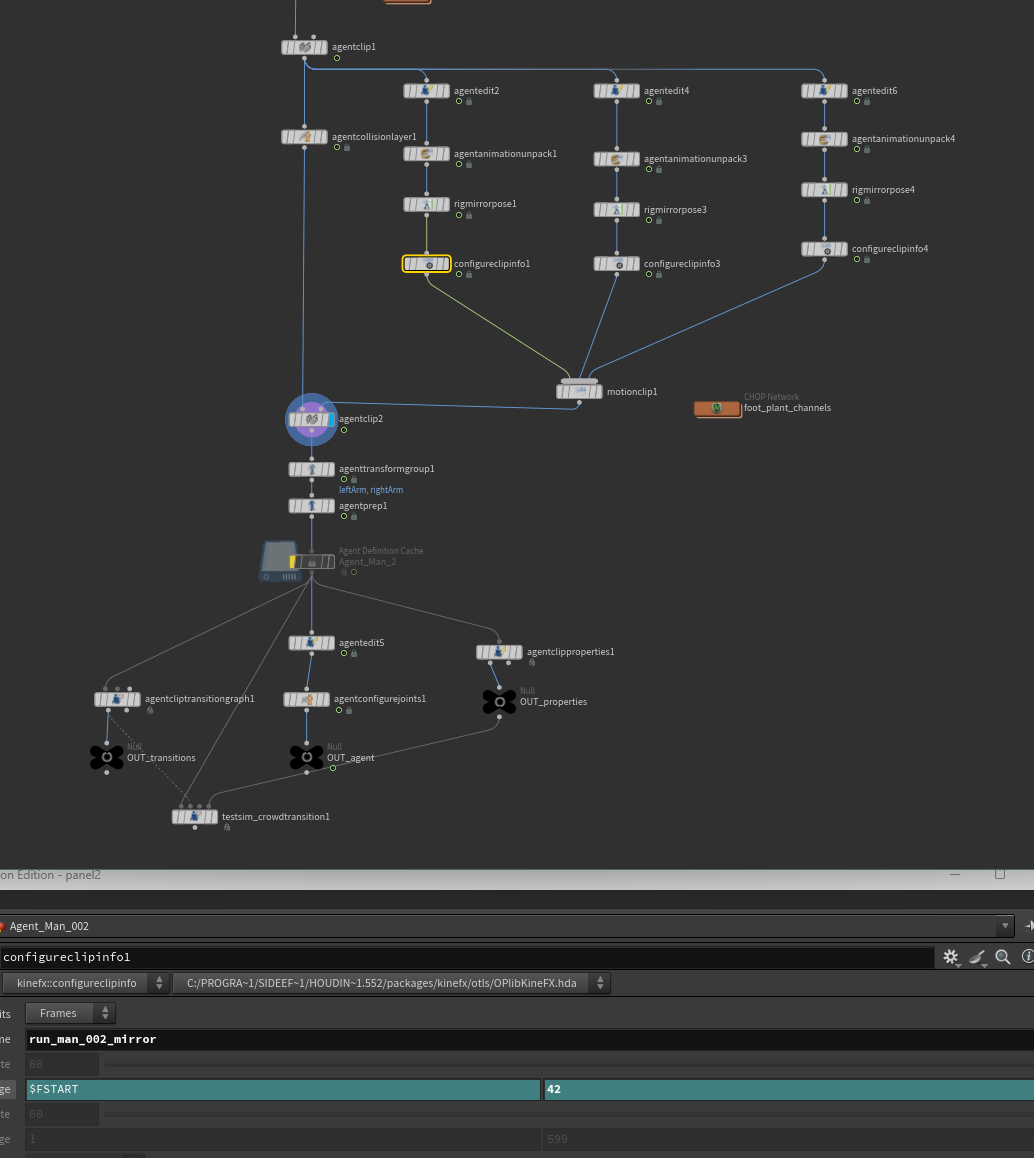
Agent setup
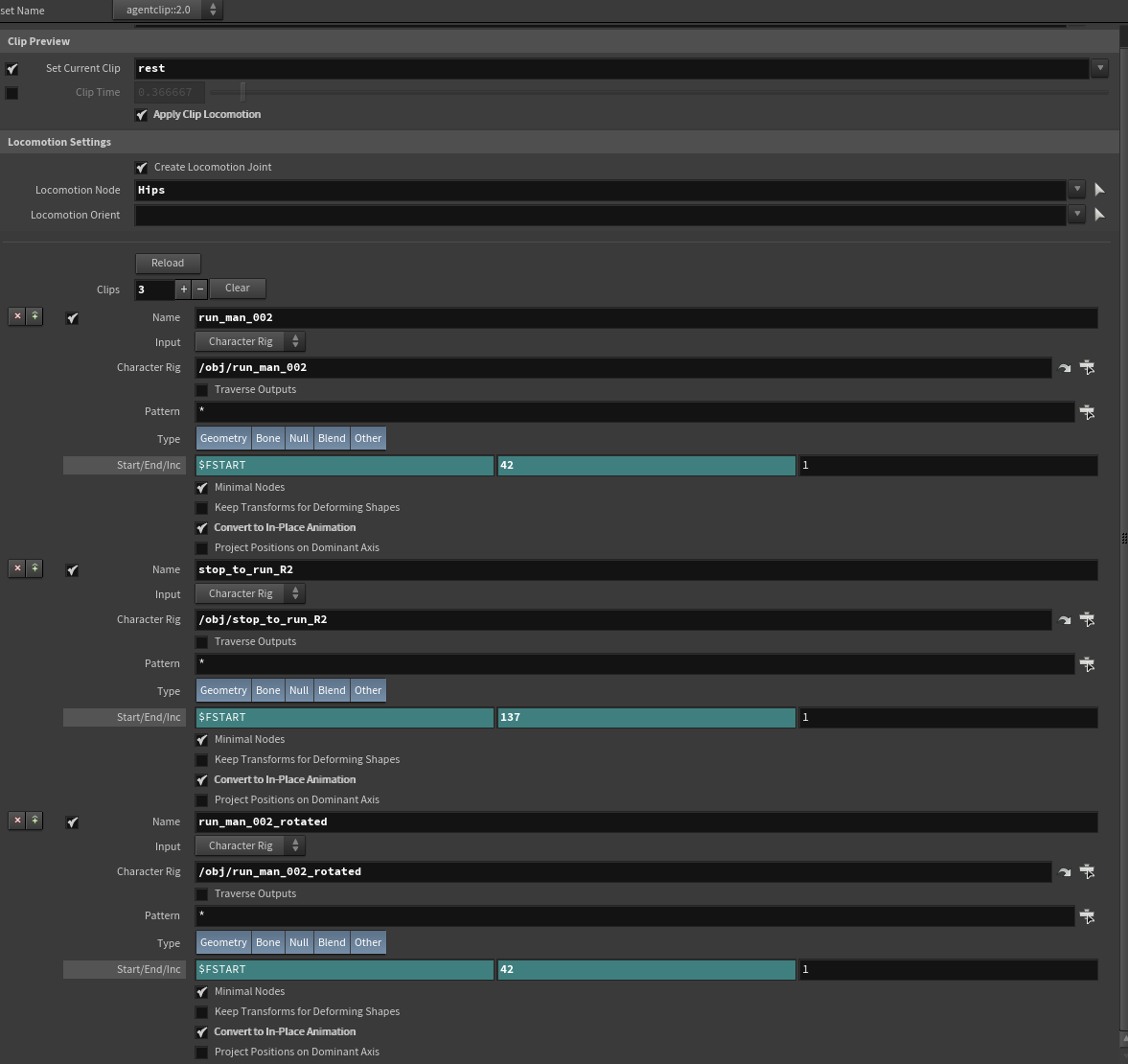
Setting up agent clips
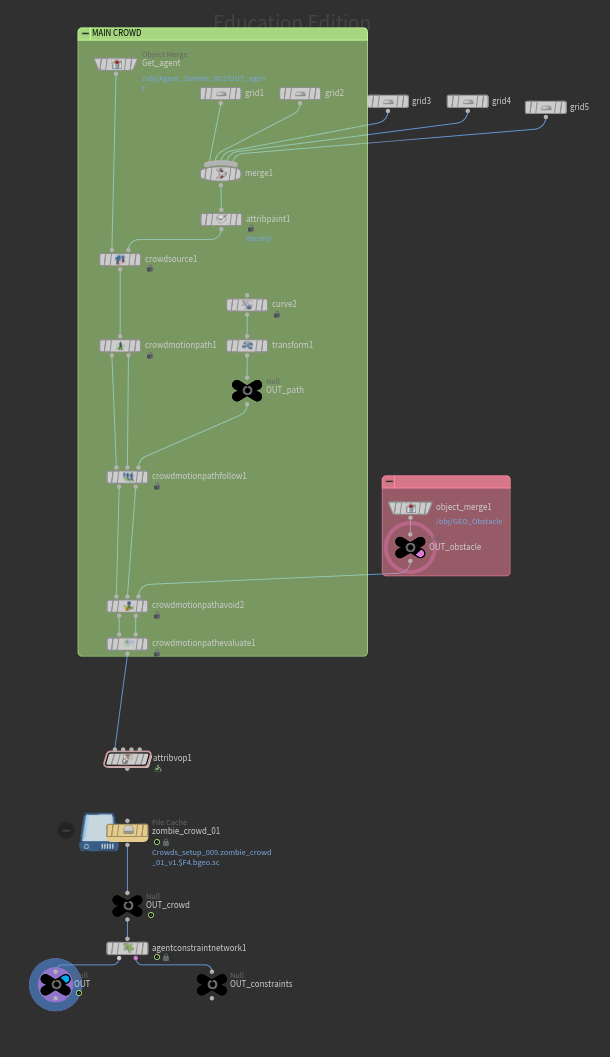
Agent setup imported for crowd motion setup
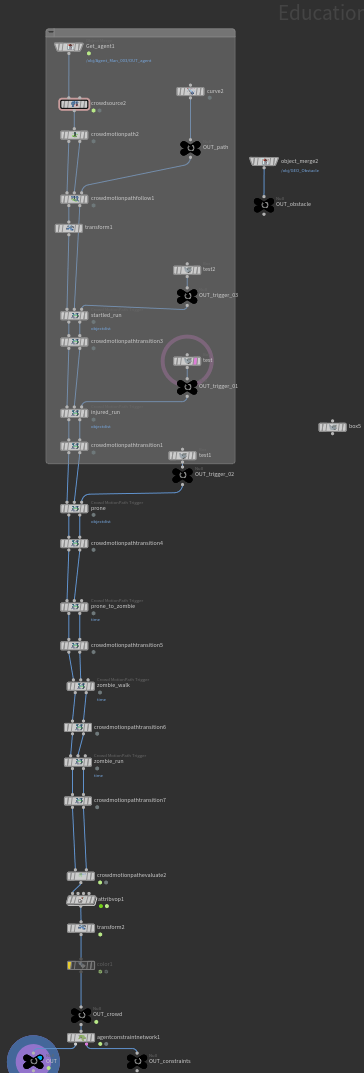
Crowd motion with transitions & triggers
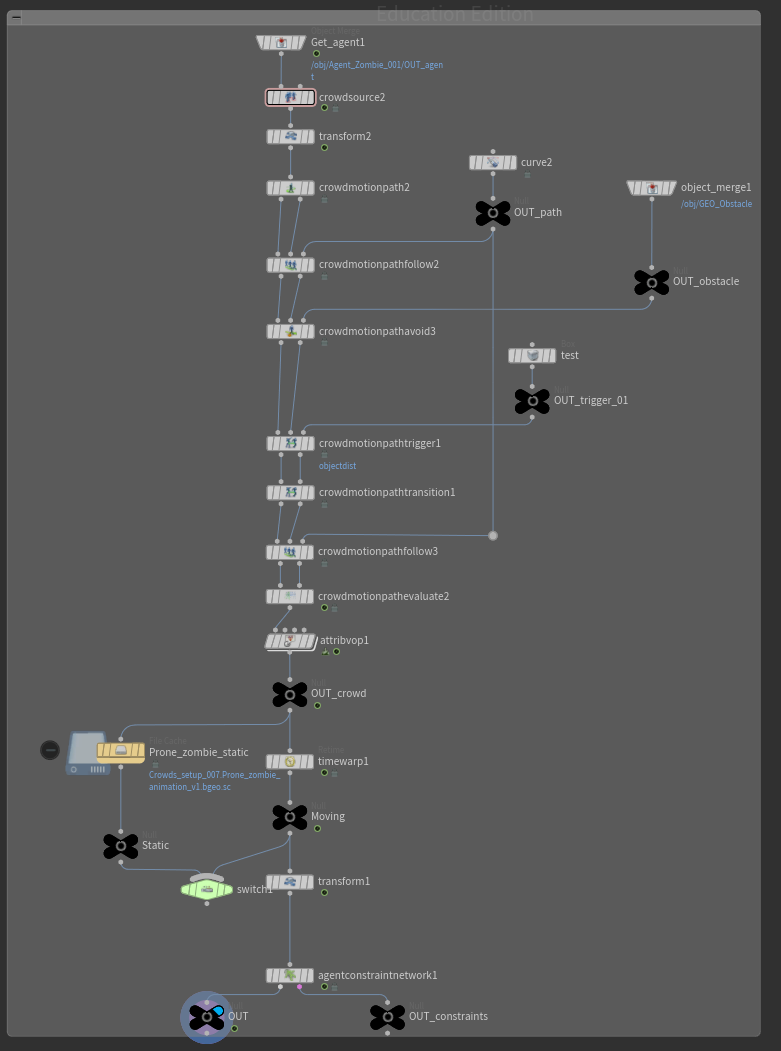
Additional transitions & triggers
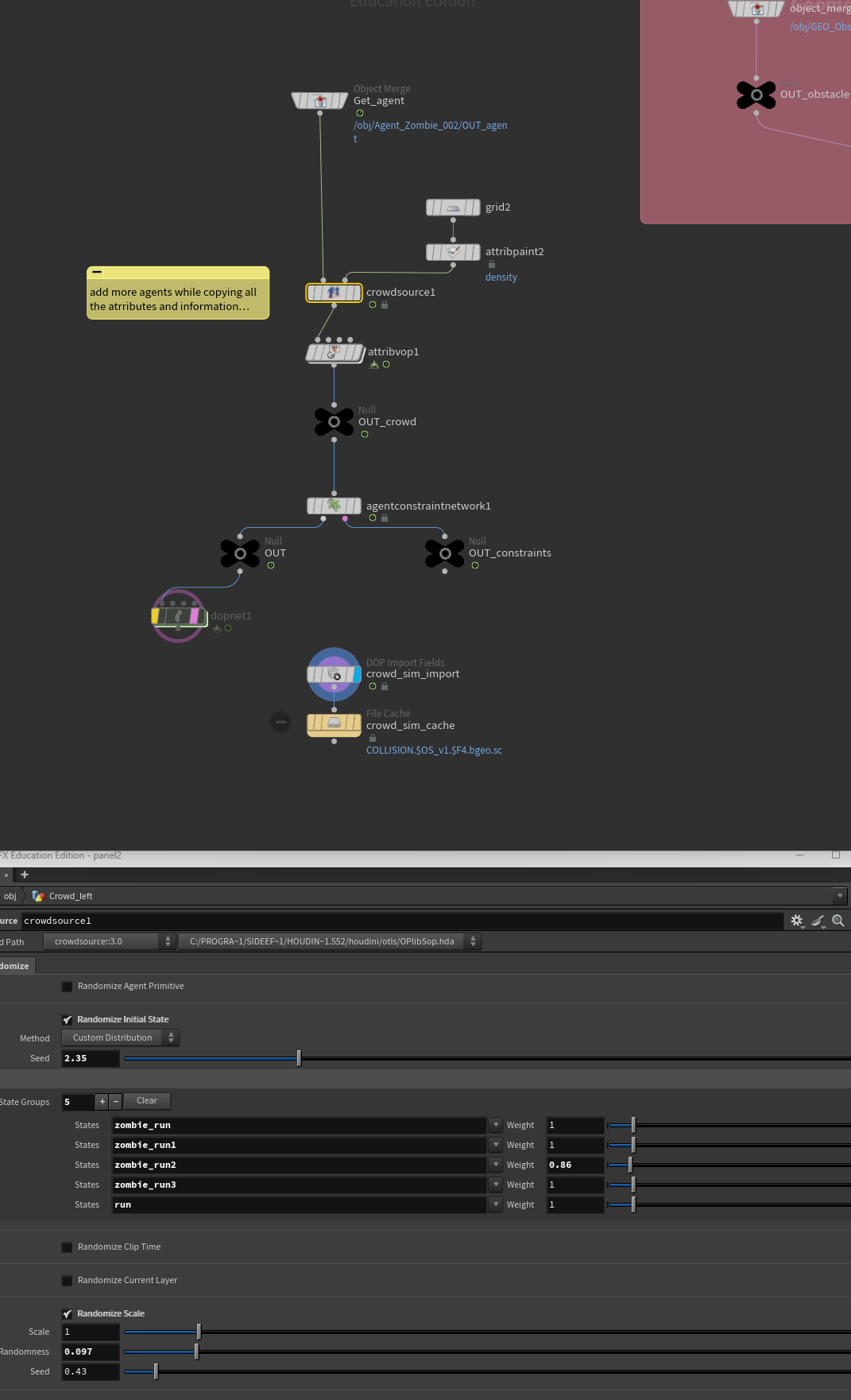
Crowd setup for RBD & solver
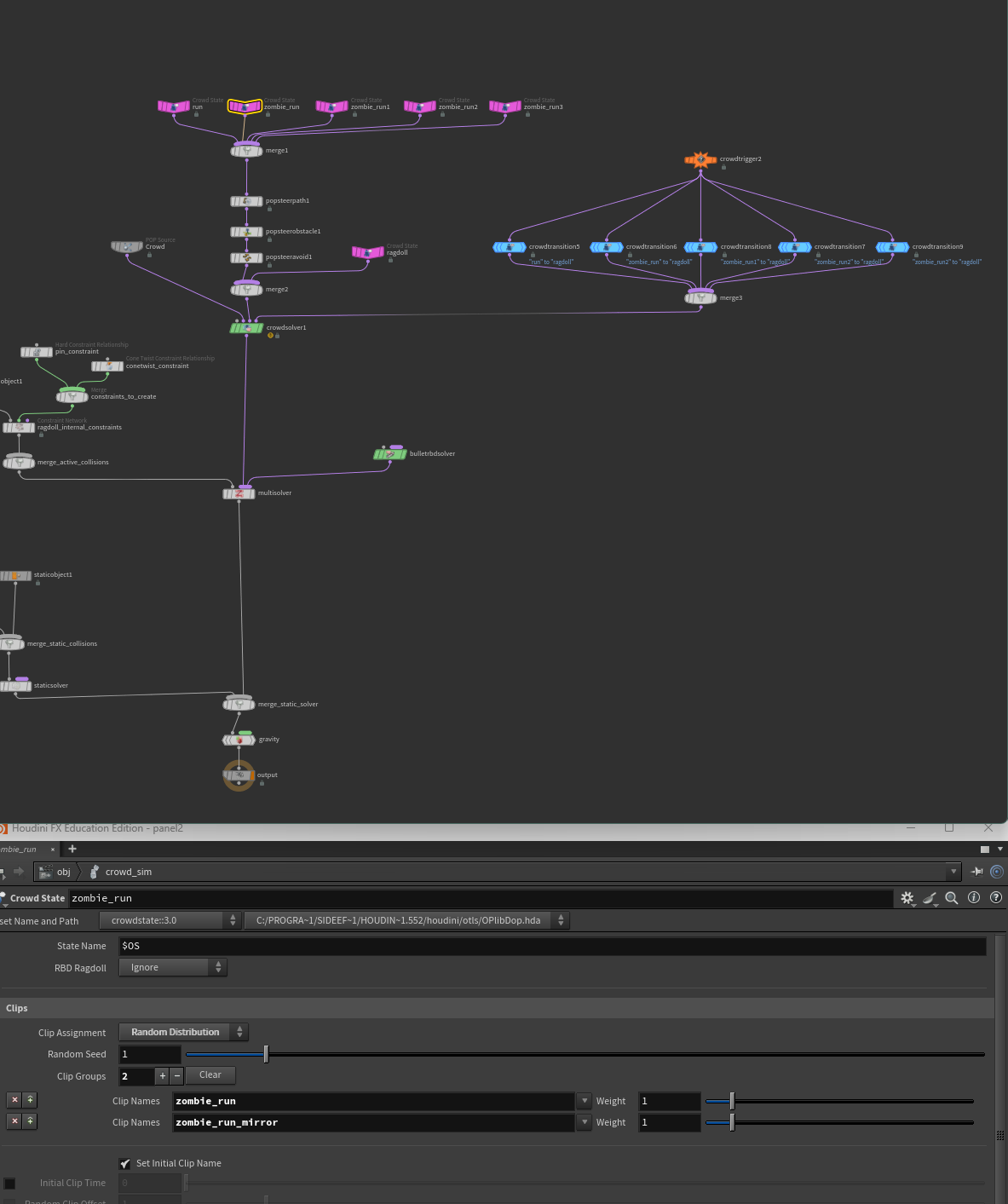
RBD & crowd solver with crowd states, triggers, & ragdoll transitions
CHECK CROWD STATE NAMES ARE MATCHING $OS NAMES
___________________________________________________________________________________________
MATCH EVERYTHING!!! Match your frames for each animation clip, match the names, match crowd source names, crowd state names, and crowd transitions. Otherwise you will run into a lot of problems.
** Keep in my mind that if you change your frame rate, you will have to go back and match the animation frames manually again. They can be a bit buggy sometimes so swap over the animations in the drop down menu if you think it's not showing you the correct amount**
** Keep in my mind that if you change your frame rate, you will have to go back and match the animation frames manually again. They can be a bit buggy sometimes so swap over the animations in the drop down menu if you think it's not showing you the correct amount**
___________________________________________________________________________________________
Additional RBD:
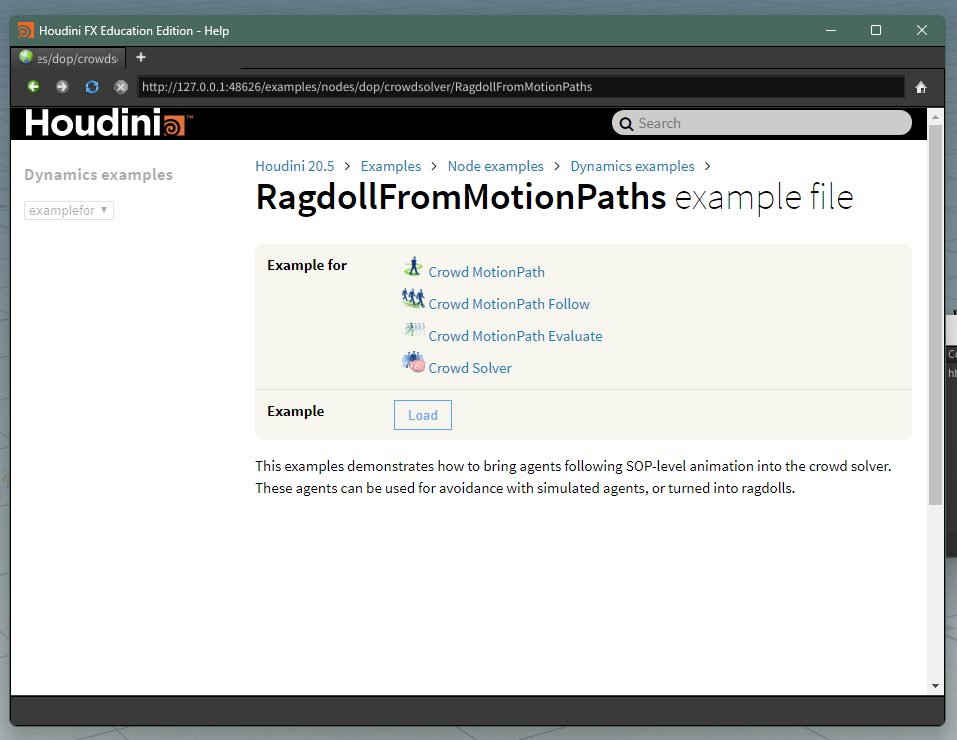
Get example file
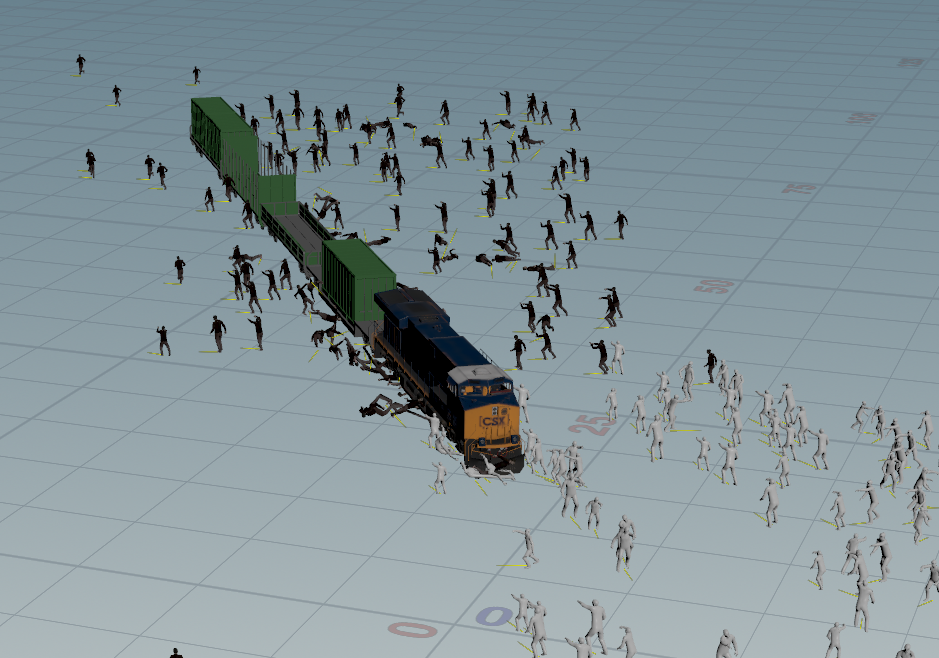
Extra ragdoll & zombies
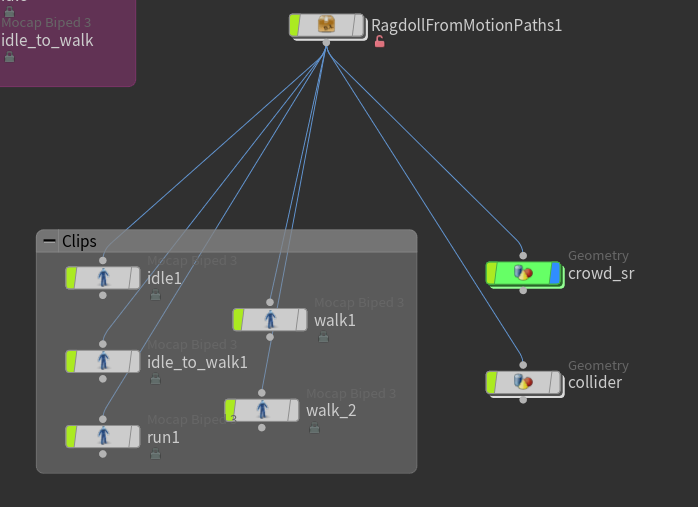
Using houdini doc example setup
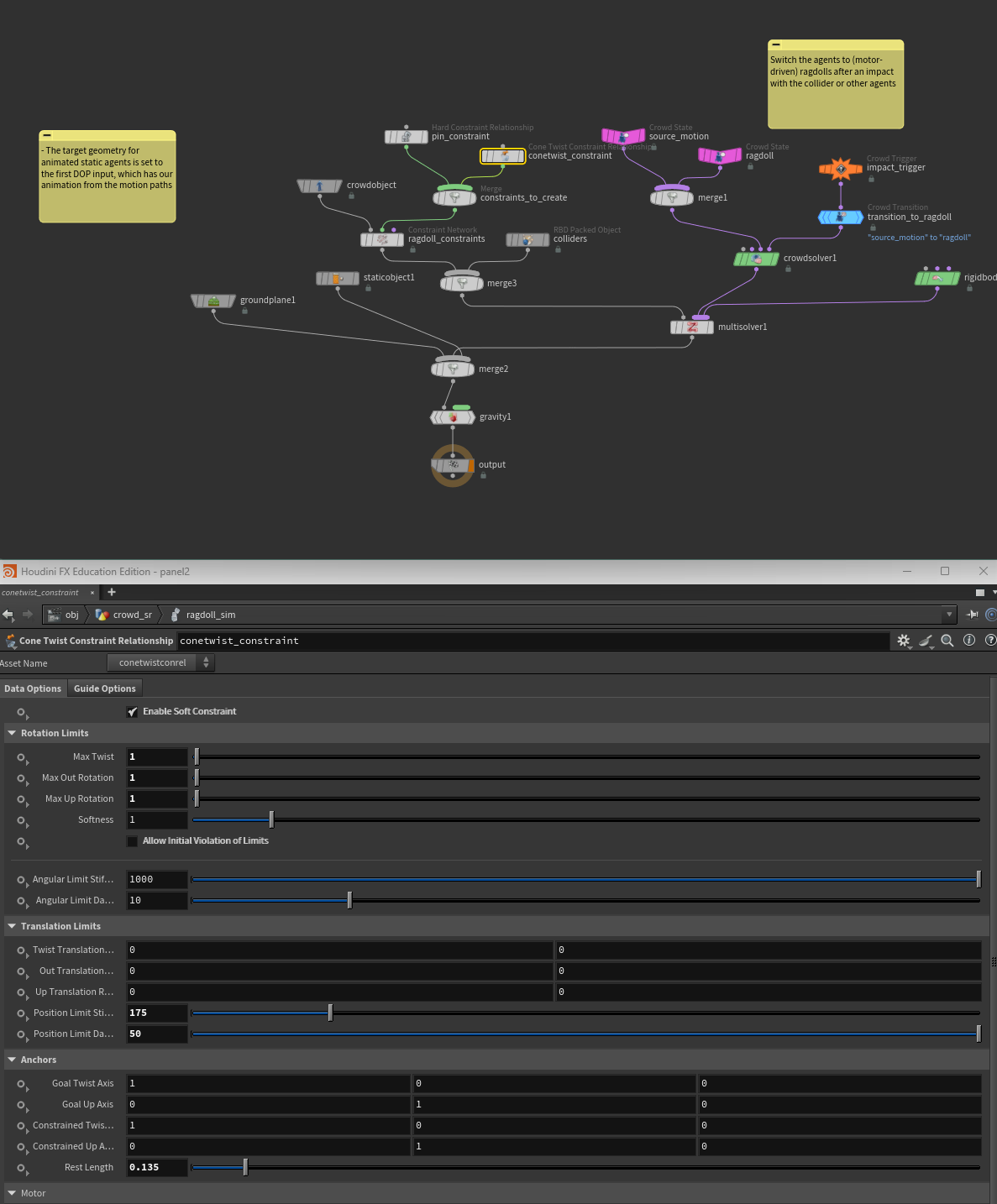
Ragdoll adjustments & setup
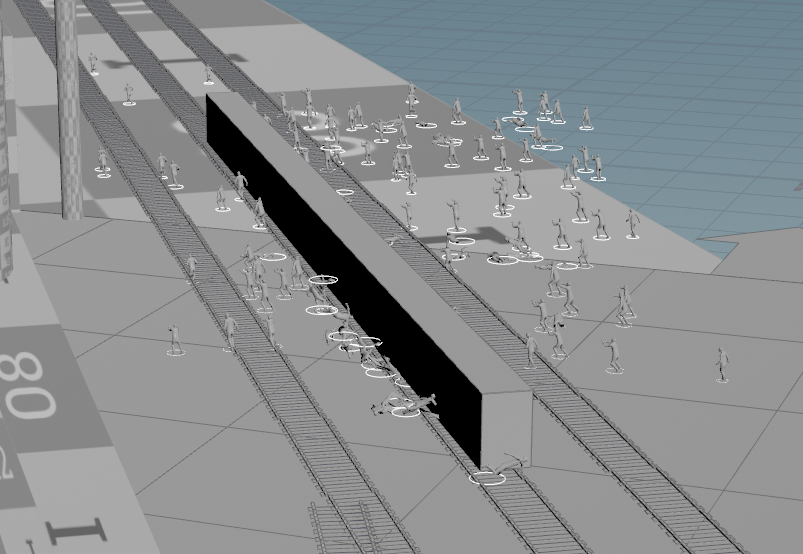
cube RBD to mimick movement of the train
COMP!
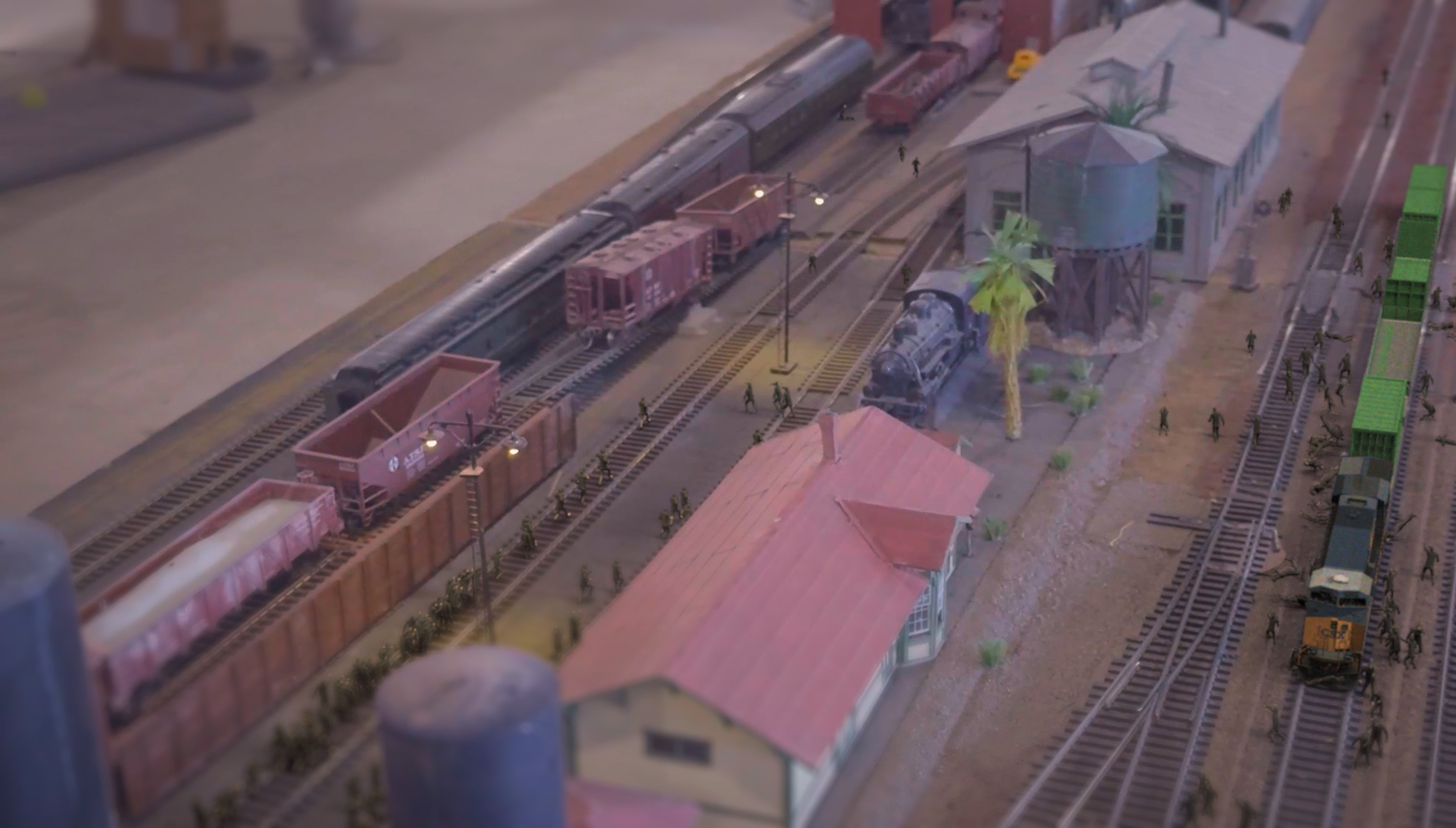
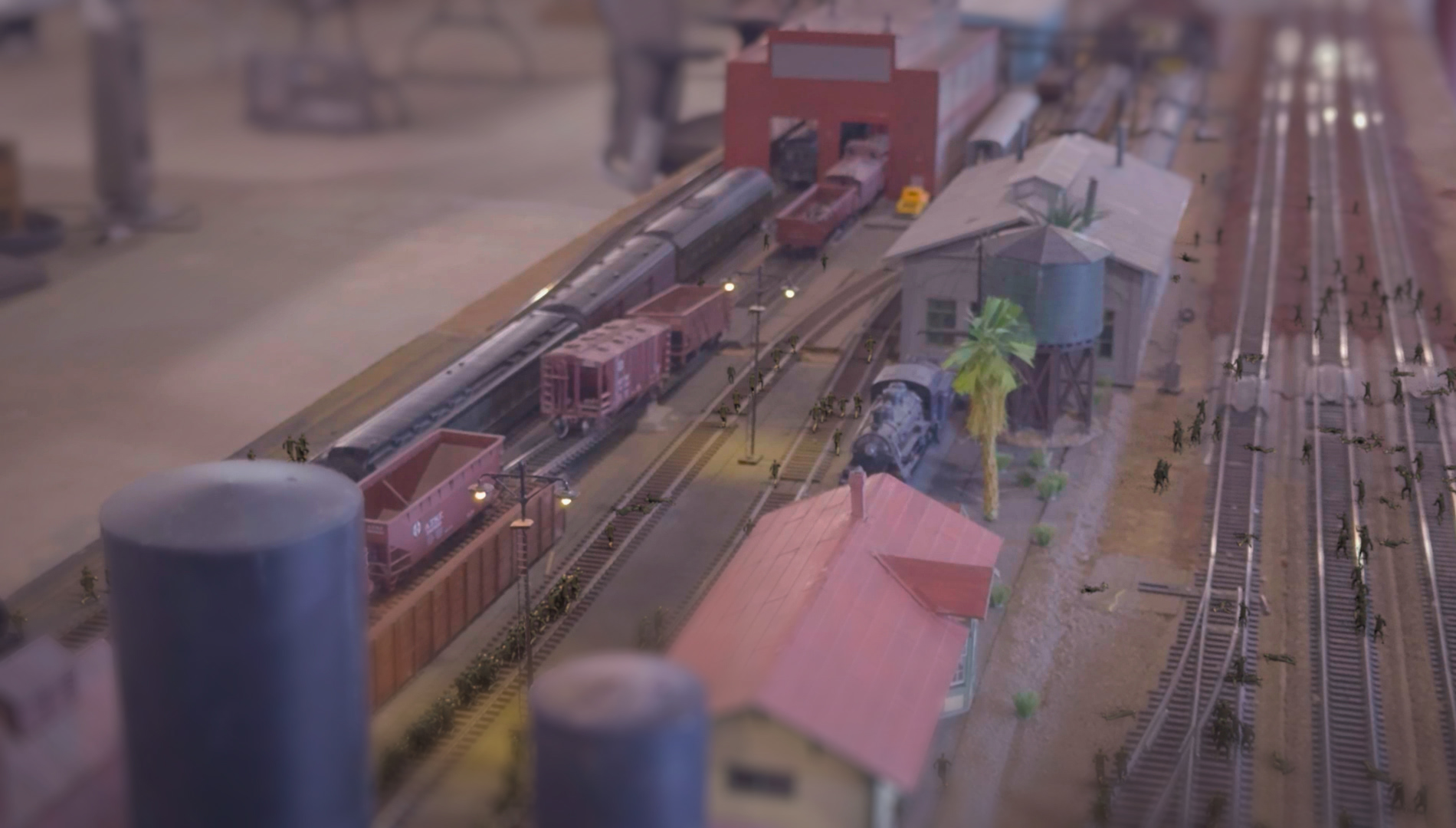
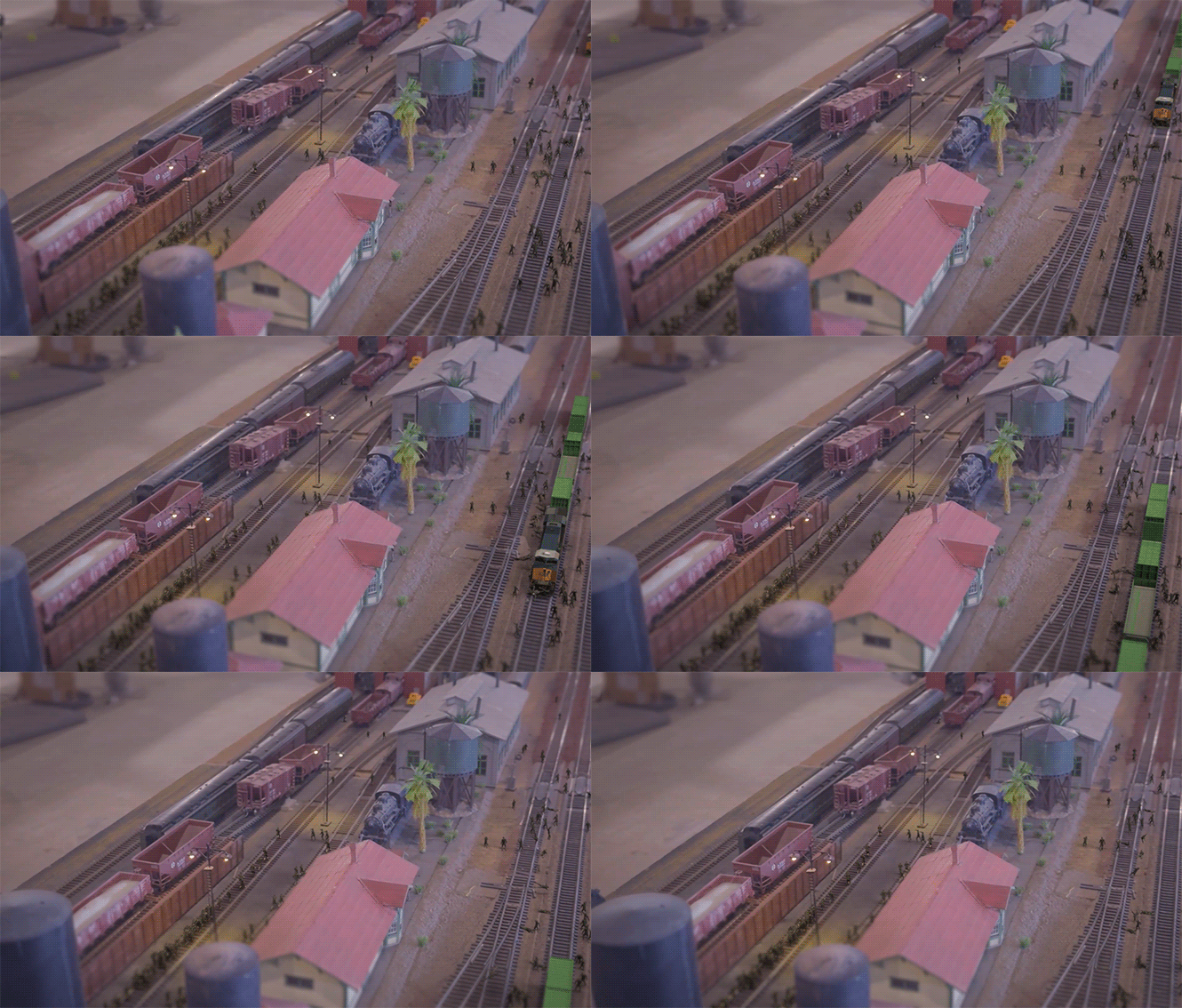
For the comp, I graded my original footage (shot in raw), then added my renders with shadow passes and used an expression in framehold so every three frames were held for a few frames to give a stop motion effect, I added some grain to blend the renders, did some quick fixes, roto'd the plate back over, and finally added some blur/defocus.
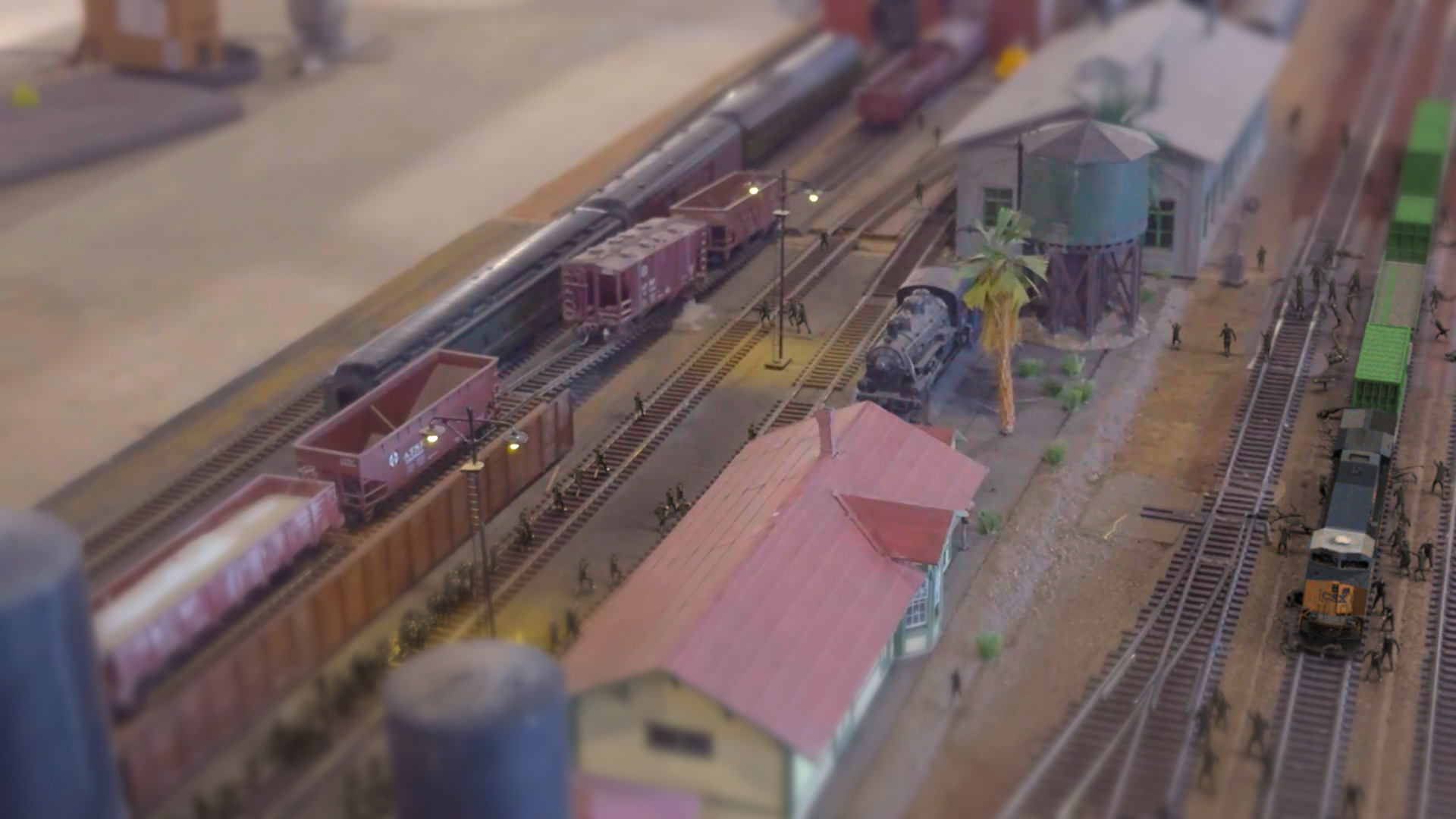
Color grade, added grain to match plate, stop motion retime, & roto
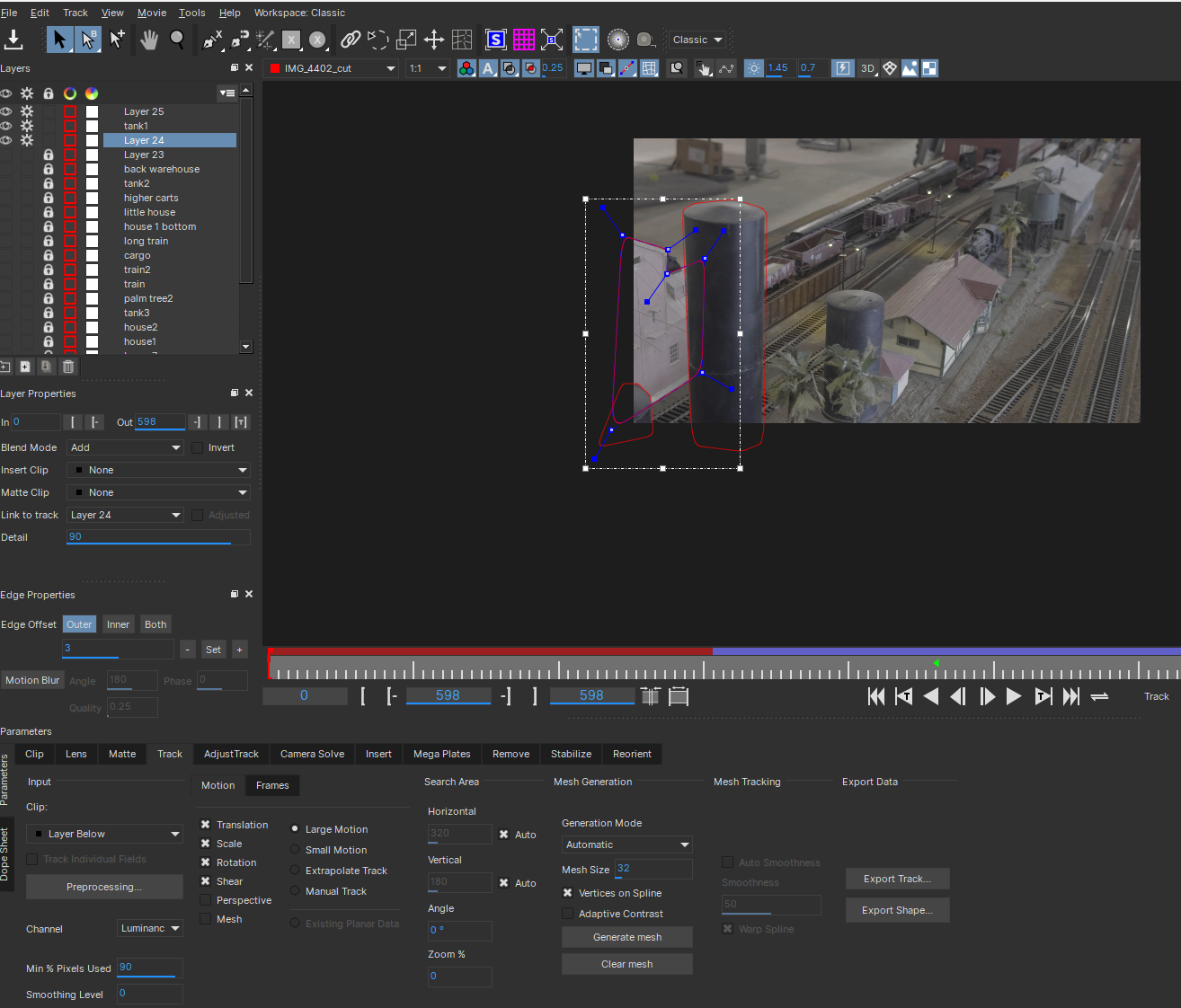
Tracking planes for Roto in Mocha Pro
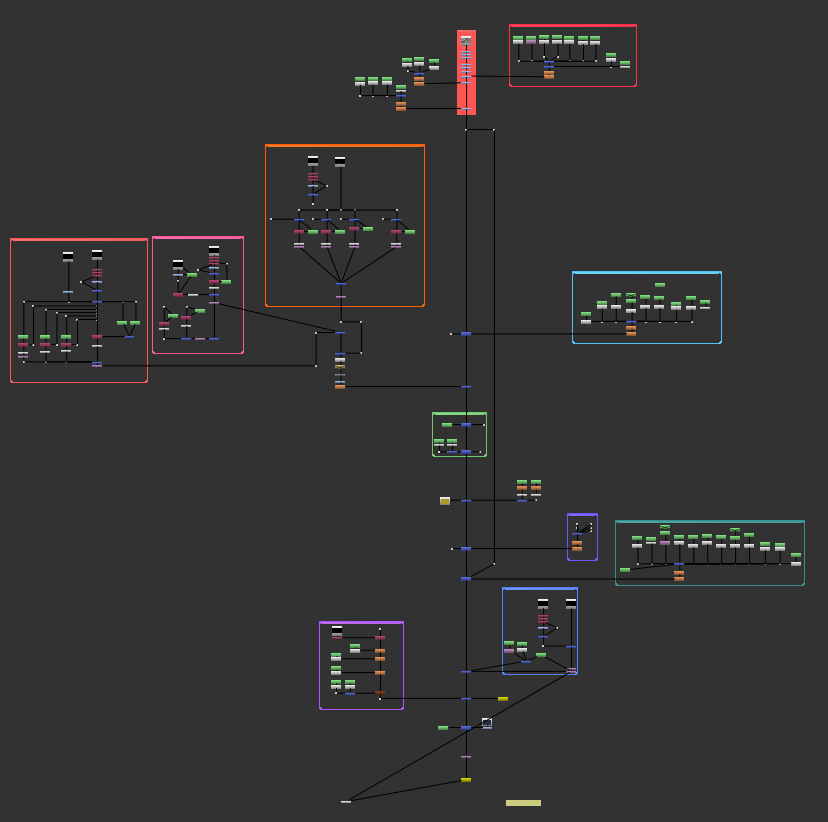
Node Map
Final Render & breakdown!
___________________________________________________________________________________________
EXTRA HELP LINKS!!
Ragdoll Simulation: Houdini doc
Crowd Generation in Solaris: Andreas Kjær-Jensen
Crowds: CG Wiki
Crowds Basic Setup: Mikael Pettersén
What I would like to continue on:
• Re-do the grade and comp overall - it was a bit rushed
• Make the survivors more noticeable, and add more at the back on a train shooting the zombies
• Add some variety in the zombies and/or use different models
• Add sound to make it more fun!
___________________________________________________________________________________________